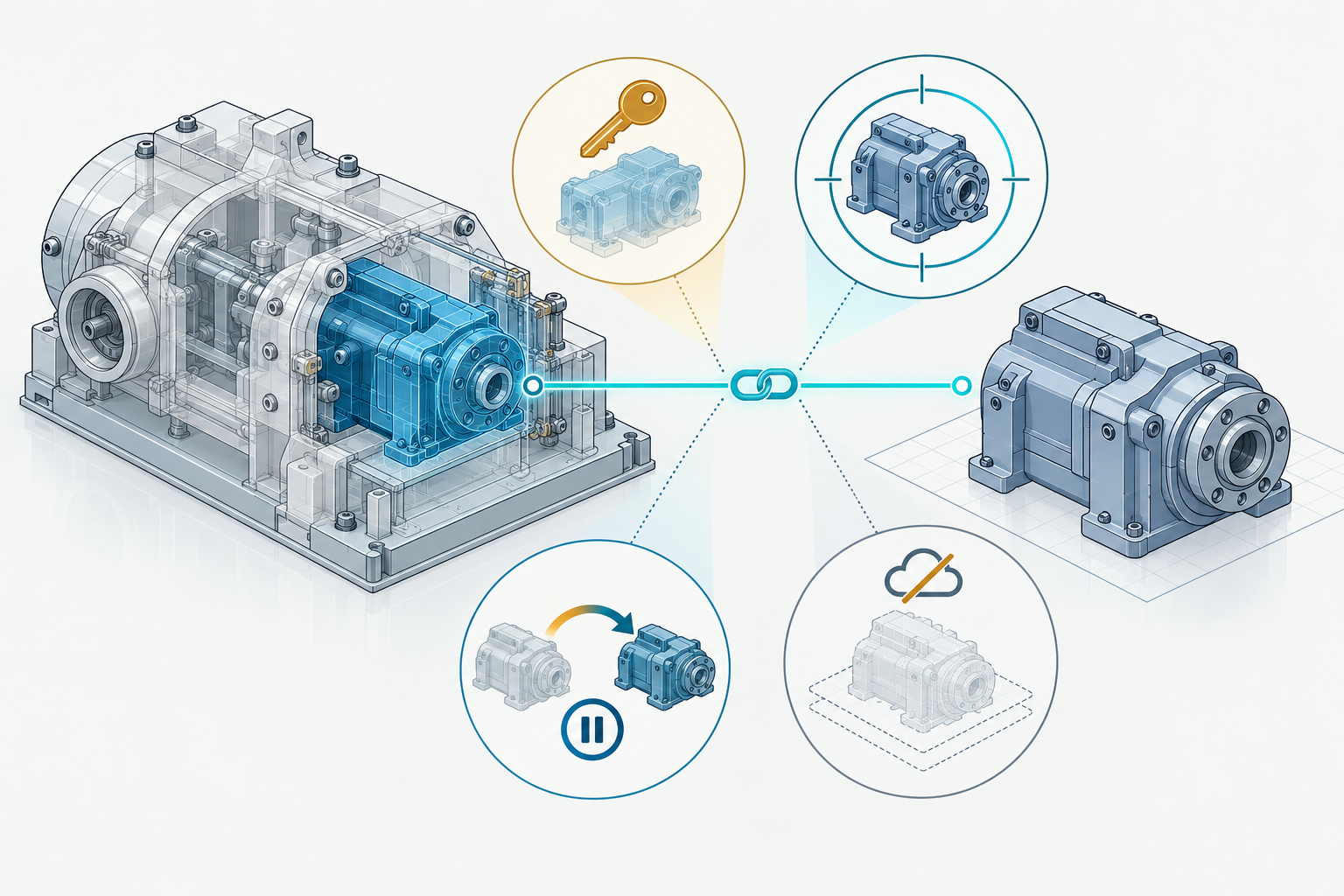
A linked model can be visible while its source is inaccessible, its update is pending, or its contents are only a lightweight reference. For a handoff that depends on external data, record more than the file path: identify which source is expected, how the receiver can access it, and what update or fallback behavior the task requires.
Check separate reference questions
Reference mechanisms do not share one status vocabulary. For each required reference, ask:
| Question | What to record |
|---|---|
| Can the intended receiver access it? | File or service location, account or permission requirements, and any project or resolver context. |
| Which source does it identify? | The source name and stable identifier, plus a version, revision, or date where the system exposes one. |
| What update is expected? | Whether the receiver should use a fixed state, accept updates automatically, update selectively, or keep a reference pinned. |
| What remains if the source is unavailable? | Whether the host has embedded fallback data, a cached display, or no usable representation. |
| What must work after receipt? | The required view, relationship, reload, update, reuse, or downstream operation. |
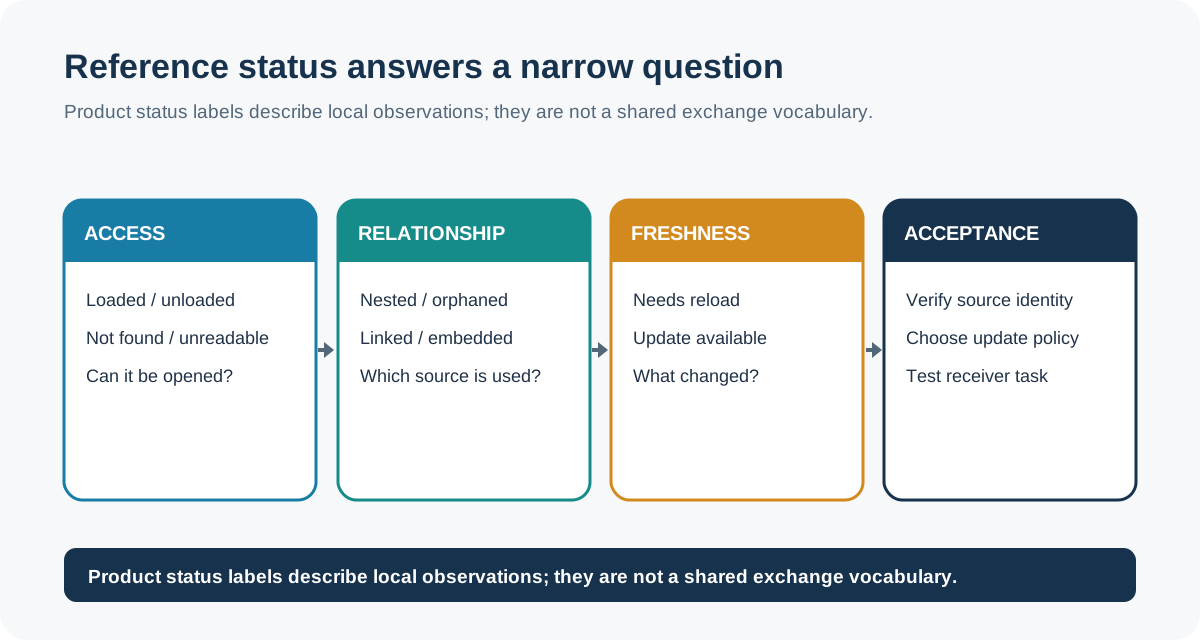
These are questions for a handoff record, not a universal list of reference states. Product labels such as pinned, embedded, linked, and unresolved have meanings within their documented systems; they should not be treated as equivalent states across applications.
Path resolution is different from source identity
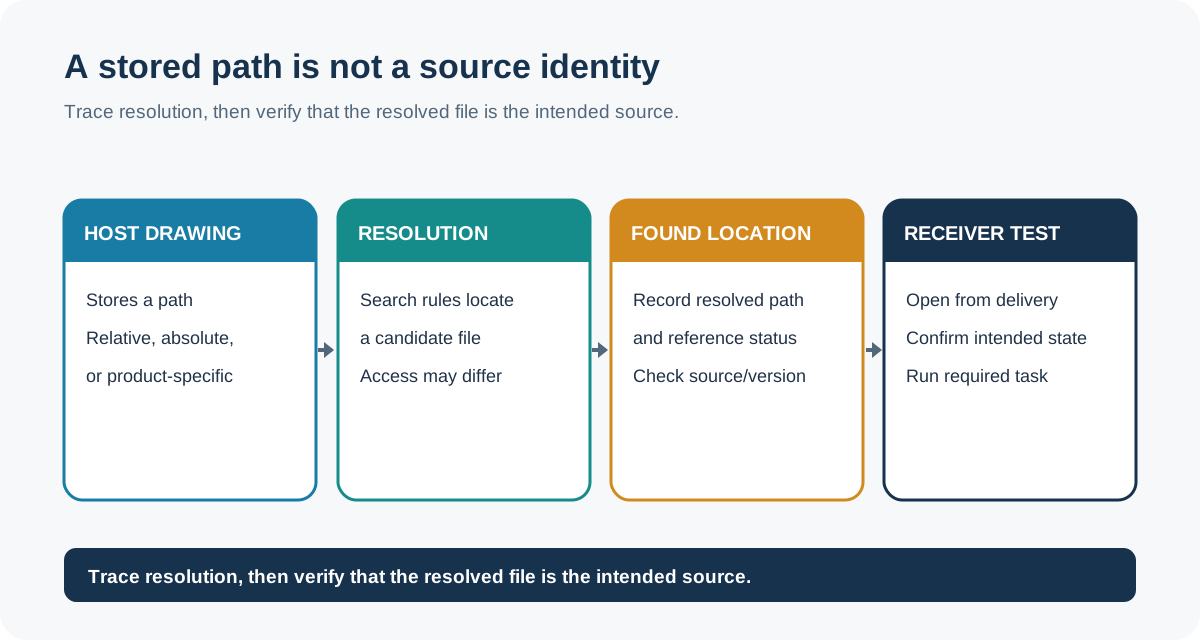
Revit LT 2026 records a linked file’s saved path. If the file cannot be found, Revit displays the path to the most recently retrieved version but cannot update the link until the file is found again. The documented Reload From action selects the linked file from another location. Revit LT also distinguishes relative and absolute paths: moving a project and its linked file together can preserve a relative link, while that move breaks an absolute path. A resolved path still does not prove that the selected file is the intended revision; verify its identity in the receiver.
AutoCAD 2026 makes the distinction visible in its External References palette: Saved Path is the location stored with the host drawing, while Found At is the resolved absolute path, and the two can differ. Its statuses also distinguish conditions such as not found, unresolved, orphaned, and needing reload. Treat these as AutoCAD diagnostics, not as a portable status vocabulary; confirm that the resolved file is the intended source and version before relying on it.
Revit 2026 separately exposes unresolved references and tools for reviewing or rehosting orphaned elements whose host relationships were lost. Links can be unloaded and reloaded in an open project. These states call for separate checks: a visible host model does not establish that its linked source resolved or that an orphaned relationship was reconciled.
Update indicators need an update decision
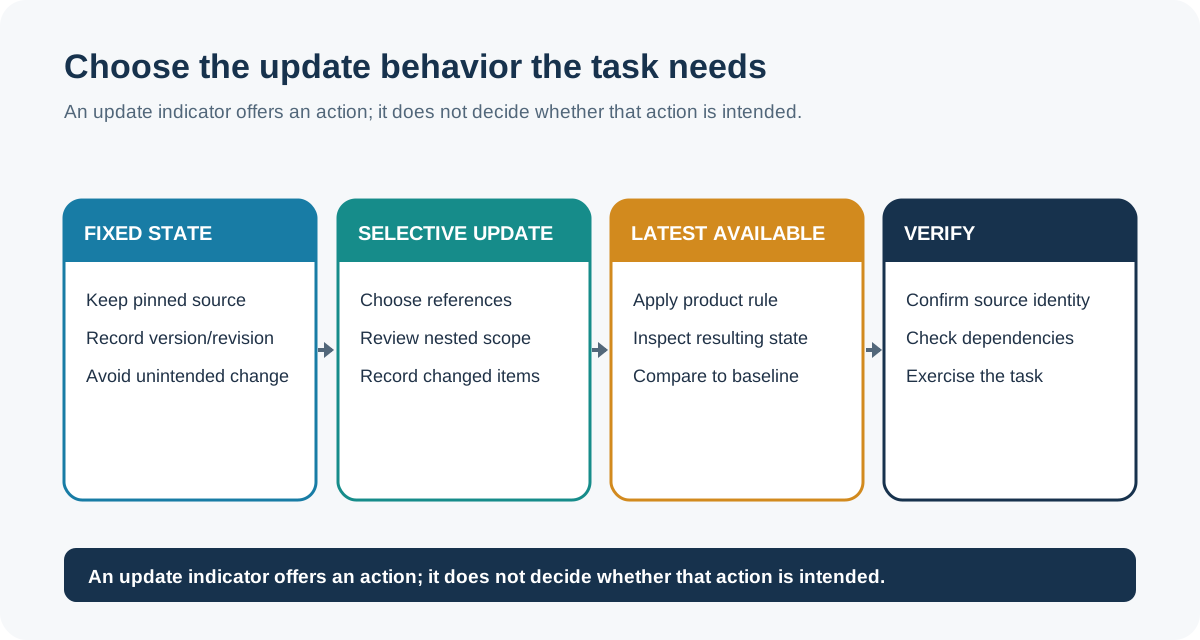
Onshape Assemblies distinguish references to versions from references to revisions and show when newer versions or revisions are available. A pinned reference is excluded from Update all; a nested child may need to be updated from the subassembly that contains it. The indicators expose available actions, not whether a newer source is intended or accepted. Record which references were updated and which remained pinned, then test the change the recipient needs.
SOLIDWORKS Design 2026 distinguishes locked from broken external references. A locked reference does not update, while breaking a reference stops updates and cannot be restored. These are native reference-control states, not ways to create a portable copy. Preserve a recoverable source before testing a break, then verify which relationship the recipient needs.
For other products, an update prompt or status column may carry a different meaning. In Rhino 8, an external block definition can be embedded, embedded and linked, or linked. An embedded-and-linked definition retains saved geometry if its external file is unavailable; a linked-only definition depends on that file. Rhino also offers update policies for embedded-and-linked definitions, and can report when an external file has changed so the user can update now or later. Record the selected definition type, path, and update decision. A prompt does not establish that the source is current or that an update is appropriate.
Rhino Worksession has another boundary: its attached-file list is stored in a .rws worksession file rather than the active model, and each user maintains a separate worksession file. Attached geometry is reference-only; only a .3dm file can be active. If the receiving task depends on the session’s attached models or layer state, test the actual files and session context the recipient will use rather than assuming a standalone model contains them.
A cloud link may provide context without a portable model
Revit 2027 can link local Navisworks NWD or NWC files, or link a view from Forma Data Management without downloading it to a local resource. Access to a Forma-linked view follows that account’s permissions. Autodesk describes the coordination view as a lightweight representation that gives context to the Revit model; textures are not included for rendering. This can support coordination while leaving separate questions about offline access, the underlying source model, and the payload needed for another task.
Test the state the recipient needs
Before delivery, record the source object and the reference mechanism in the sender’s own terms. Include the path or service context, visible version or revision, access assumptions, update policy, fallback behavior, and any known unresolved or pinned children. Do not turn a product-specific setting into a generic promise of portability.
At the destination:
- Open the intended root from the delivered project or account context.
- Inspect the link or reference manager, including nested references and any unresolved or orphaned states.
- Confirm the source identity and version that resolved; a path or display name alone may be insufficient.
- Perform the required reload or controlled update, recording what changed and what remained fixed.
- If offline use is required, test without the source service or external files available and record what fallback remains.
- Complete the downstream operation that justified the reference, such as coordination, reuse, update, or rendering.
When opening a project can update references automatically, use a controlled copy for acceptance testing and preserve the intended baseline. A link that resolves, a status indicator, or a matching viewport is evidence about only that observation. Acceptance depends on the source identity, relationship, payload, and receiver task the handoff requires.