An Information Delivery Specification (IDS) expresses project information requirements for IFC data in a machine-interpretable form. The buildingSMART overview describes requirements for selected objects, classifications, properties, values, and units. It can help a team check whether selected model objects carry required, optional, or prohibited information. A valid IDS file, a checker that supports its requirements, and a passing IFC model are separate steps; none by itself proves geometric accuracy or project acceptance.
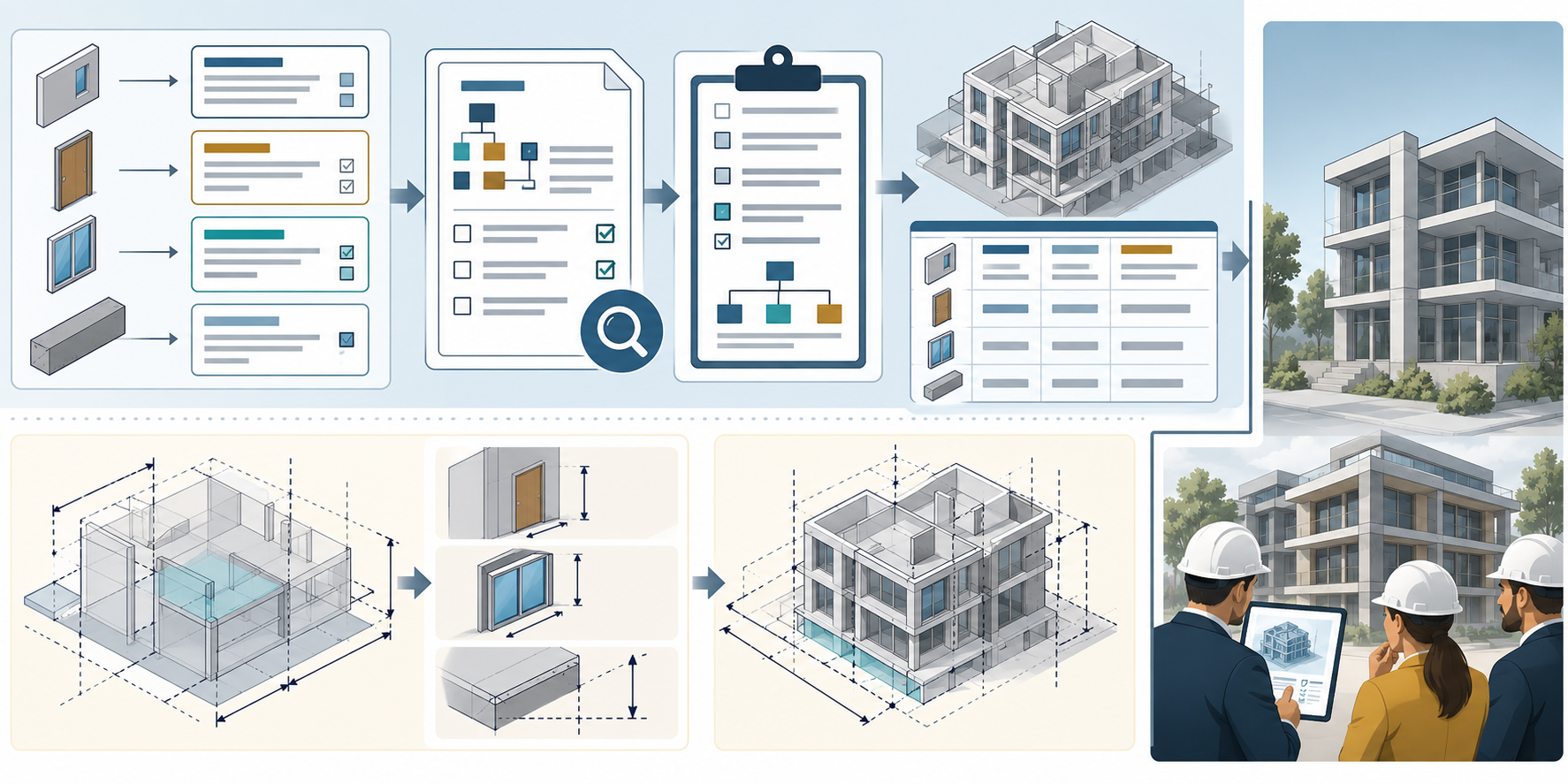
For BIM information-layer definitions and broader IFC coordination context, see Spatial Context and BIM Exchange. This article focuses on turning selected requirements into repeatable checks and interpreting their result.
Define the requirement before authoring
Start with the project exchange or acceptance case. For each requirement, identify the applicable IFC objects and the property, classification, material, or other supported information expected for them. State whether the information is required, optional, or prohibited, and define the accepted values or constraints in the terms IDS supports. Keep the requirement tied to its IFC schema and IDS version.
An IDS specification separates applicability, which selects the objects to examine, from requirements, which describe the expected information for those objects. Review whether the selectors capture the intended population; a technically valid specification can still omit objects or apply to too many. IDS is alphanumeric: it cannot establish geometry, placement accuracy, visual quality, or whether a model supports a particular coordination task.
Separate specification, model, and project checks
- Validate the IDS document. Check XML and XSD validity. This establishes document structure only; it does not show that the specification is complete or well targeted.
- Audit the IDS. Run the buildingSMART IDS developer guide’s audit checks for validity beyond the XSD. This assesses the requirement document, not an IFC model.
- Check the IFC model. Run the IDS against the intended IFC file with a checker whose supported IFC and IDS versions and behavior are known. The developer guide requires implementations to comply with the relevant IFC/IDS test-suite pairs and disclose when they cannot parse the IDS-nominated IFC version.
- Accept the project result. Review passed, failed, and unsupported requirements against the acceptance case. Add separate geometry, coordinate, visual, and downstream-task checks wherever those matter.
Keep these results distinct from a general IFC conformity preflight. The buildingSMART IFC Validation Service covers documented syntax, schema, normative-rule, and practice checks; it does not supply a project’s bespoke information requirements or geometric visualization. IDS adds a way to formalize selected project information needs, while leaving those other acceptance dimensions explicit.
Record an interpretable result
Retain the IDS file and version, IFC file and schema, checker name and version, test-suite or implementation context, date, and full report. Summarize the count of applicable, passed, failed, and unsupported requirements, then explain any exclusions or manual decisions. If either the IDS or model changes, identify the changed requirements and re-run the affected checks against the accepted baseline.
Requirement set: [IDS file, version, project scope]
Model: [IFC file, schema/version, revision]
Checker: [name, version, supported facets and test context]
Result: [report, pass/fail/unsupported summary]
Separate checks: [geometry, coordinates, visualization, downstream task]
Decision: [accepted, restricted, rejected, or pending]
This record makes the result reviewable without turning a machine pass into a blanket claim that the IFC model is complete, correct, or fit for every use.
Key points
- Define the project requirement and the intended object population first.
- Validate the IDS document, test the IFC with a characterized checker, then make a separate acceptance decision.
- Pin IDS, IFC, checker, and test context; report unsupported requirements and exclusions.
- Use separate checks for geometry, placement, visualization, and downstream use.