“Supported,” “certified,” and “it opens” are useful signals, but they do not answer the same question. The risk is not that one statement is always false; it is that a narrow statement is reused as a blanket promise about a different operation, release, information layer, or downstream task.
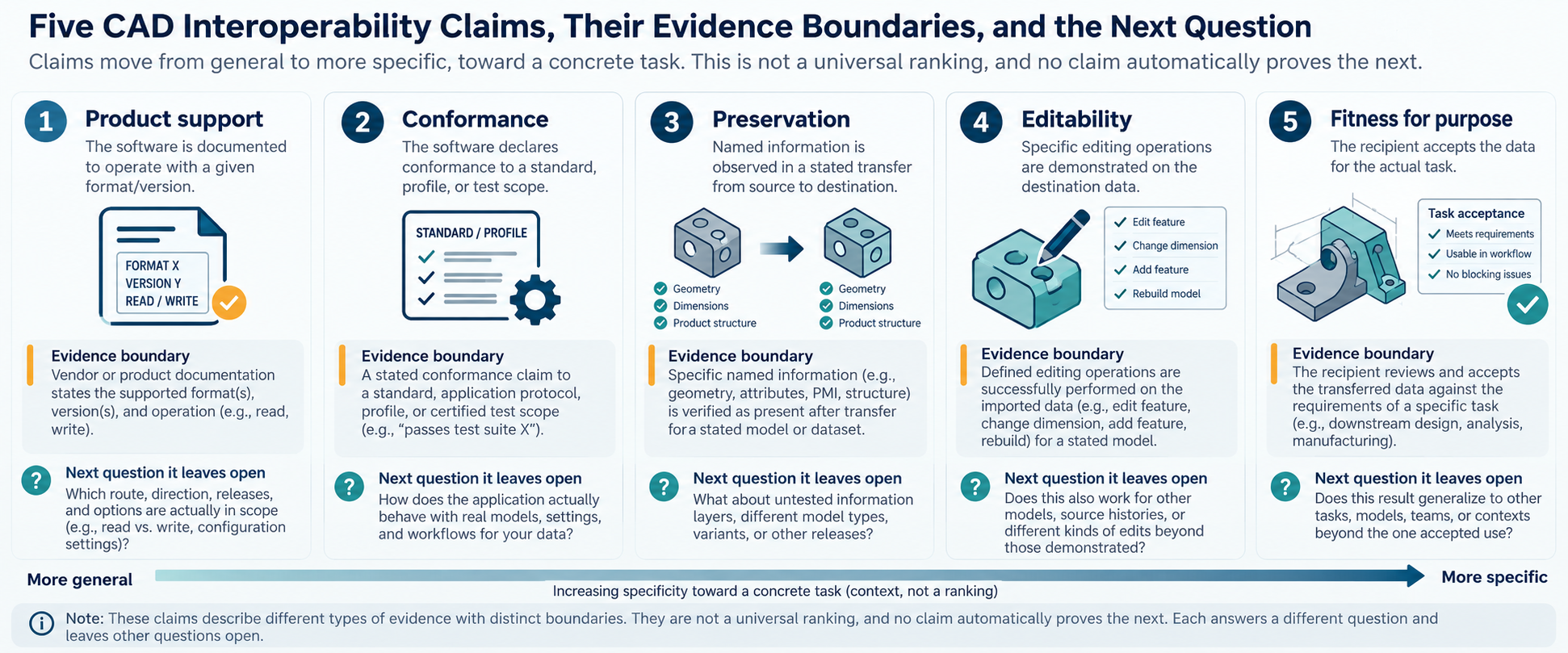
Five claims that must stay separate
| Claim | What it can establish | What it does not establish by itself |
|---|---|---|
| The product supports it | A vendor documents an operation or format relationship in a stated product context. | The direction, release, options, preserved layers, or usefulness of the result. |
| The file or implementation conforms | A representation meets a declared standard, profile, or test scope. | That a particular application imports it correctly or retains the information your task needs. |
| The transfer preserves specified information | A scoped observation or comparison shows that named properties survived in a stated route. | Preservation of untested layers, other models, other releases, or later editing. |
| The result remains editable | A test demonstrates particular editing operations in the destination. | Source feature history, arbitrary edits, rebuild behavior, or bidirectional continuity. |
| The result is fit for purpose | The receiving team accepts the result against the actual downstream requirement. | General compatibility beyond that task, sample, release, or acceptance boundary. |
The claims form a progression in specificity, not a universal ranking. A high-level standard can be more authoritative about its own scope than a product observation, while a product observation may be more relevant to a concrete route. Ask what each piece of evidence was designed to establish.
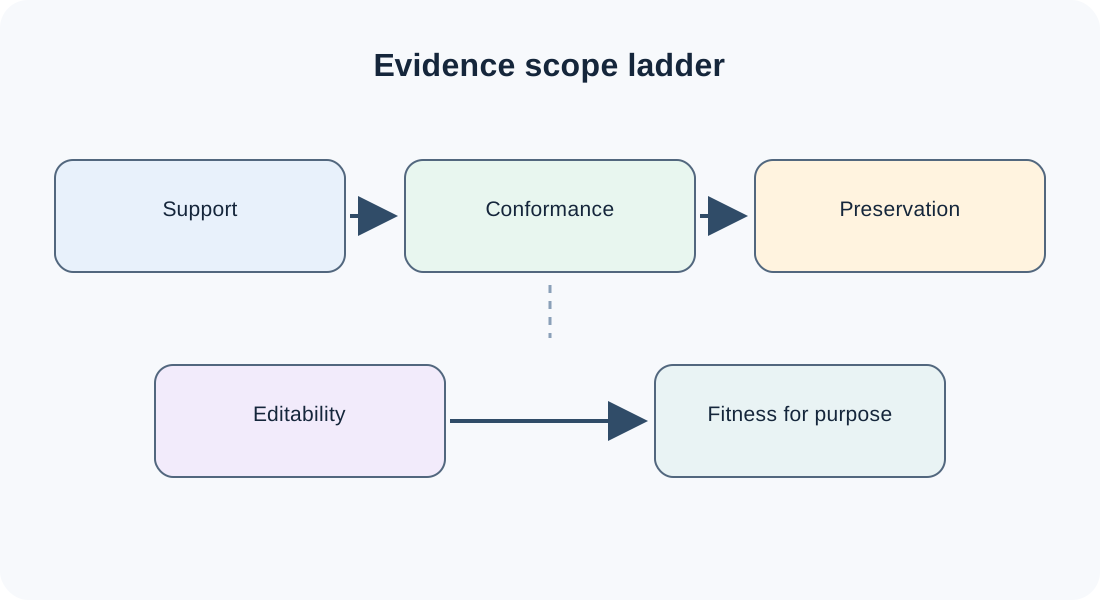
Read the evidence at its declared scope
ISO 10303-1:2024 describes the ISO 10303 series as including application protocols, implementation methods, usage guides, and conformance-testing methodology. That architecture is a reason to ask for the applicable protocol, implementation, and test context; it is not a product-pair preservation result.
Protocol scope is not route evidence either. The public abstract for ISO 10303-242:2025 lists long-term archiving and retrieval, product structures and configuration control, change and version context, documentation references, and verification and validation within the managed-engineering protocol’s scope. Those inclusions describe what the protocol addresses; they do not show that a particular exporter, importer, profile, or route carries those properties successfully.
Keep published editions separate from their successors in development. As accessed on 2026-09-26, ISO identifies ISO 10303-242:2025 as published Edition 4 and ISO/CD 10303-242 as Edition 5 under development, intended to replace it. The draft’s scope preview is not a final published requirement, implementation result, or route-conformance claim.
The AP242 implementor-forum material describes implementation issues, user requirements, interoperability testing, and recommended practices. Likewise, the CAx-IF description presents a scoped testing process: a test case defines functionality and model-creation criteria, native and STEP data are created, compliance is checked, the target imports the data, and native and target statistics are compared. Such a process can produce useful pairwise evidence, but the result still belongs to the selected test case, source, destination, direction, release, and properties.
Certification has the same boundary. buildingSMART describes IFC certification tests tailored to exchange requirements satisfied by a particular Model View Definition, with export/import cases, automated routines, regression checks, and manual verification. “Certified” should therefore be followed by “for which model view, release, test cases, and operation?” It should not be rewritten as “all IFC data will remain useful for every workflow.”
buildingSMART’s current program describes export and import as separate certification tracks. User-exported IFC files submitted to its Validation Service contribute anonymous data to export scorecards; import assessment uses public test files and aggregated answers about import quality. Export scorecards are generated per software version when there is statistically significant data, and show file validity plus functional IFC parts reported as supported or unsupported. These are scoped signals about a tool and the program’s tests, not proof that a particular model or downstream task will work. The page does not report a general round-trip result, so a bidirectional workflow needs its own comparison.
File validation is narrower still. buildingSMART’s IFC Validation Service checks file syntax, schema, and normative rules; it reports industry-practice checks and bSDD references separately. Project, national, and organization-specific rules outside bSDD, as well as visual appearance, are outside the service’s stated scope. A file-level conformity result can support further checks, but it does not decide project acceptance.
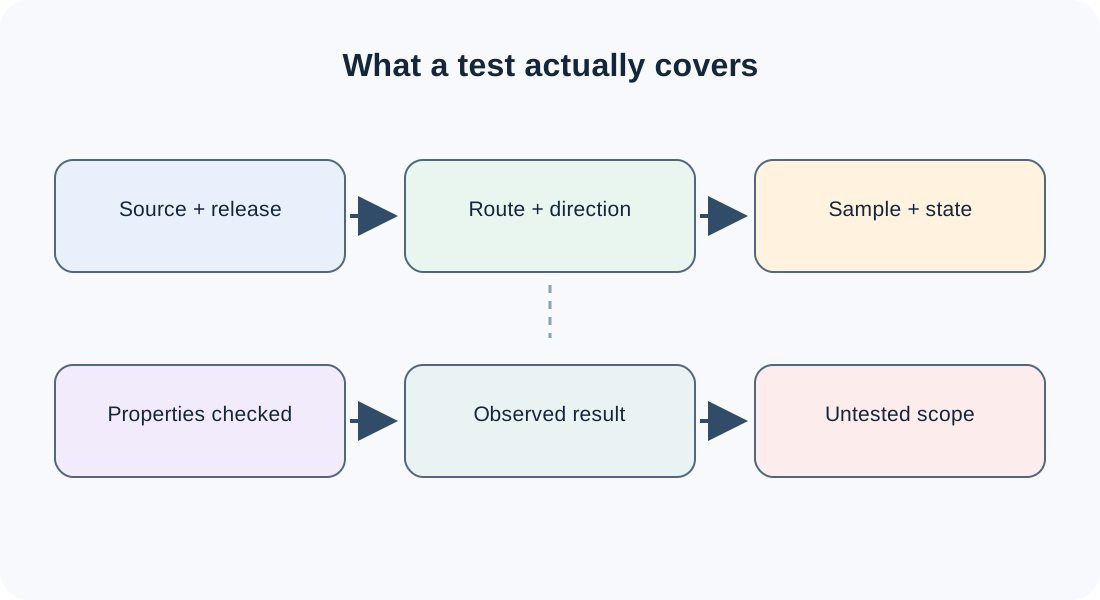
“It opens” is an operation, not an acceptance result
An import can prove that the destination accepted enough input to create a result. It does not necessarily prove that the result is equivalent to the source or useful for the next operation. Autodesk’s AutoCAD documentation describes IMPORT as translating data into the current drawing’s DWG representation and notes that format availability can vary by AutoCAD-based product. That is a bounded description of an import operation, not evidence of preserved authoring history, annotations, references, or editability.
Product documentation can also describe a destination representation without proving complete preservation. Autodesk’s Fusion guidance says that a DWG containing 2D sketch geometry is imported as 2D sketches, while a DWG containing 3D solid bodies is imported as bodies and solid features without sketches; it also warns that some DWG data cannot be read. The support statement therefore needs the input content and expected output representation attached to it.
The same caution applies to continuity capabilities. Creo Parametric r12 documentation describes ATB-enabled imported models that can be checked and updated, with missing-reference links changed or associations broken. It makes retained geometric IDs conditional on what the native source preserves. That documents a bounded reference/update capability, not transferred feature history, semantic preservation, or task acceptance. Autodesk’s Inventor 2026 FAQ similarly describes a sequential-version reference case where a prior release can see newer changes after a rebuild, while it cannot edit newer-release features or save a backward-compatible native file. These are version- and product-specific statements, not general editability evidence.
When evaluating an opening or import claim, ask:
- What exact operation occurred: direct open, import, reference, translation, or viewing?
- Which source and destination releases and options were used?
- Which information layers were checked?
- What changed in the destination representation?
- What must the recipient do next, and was that operation tested?
Use precise wording
Prefer wording that carries its boundary:
- “The vendor documents import of this format in this product release; the required annotation and editing behavior still needs route-specific verification.”
- “This test covers the declared model view and test cases; it does not establish every IFC entity or downstream use.”
- “The comparison observed the named geometry properties for this sample and direction; it is not a general lossless guarantee.”
- “The received result was accepted for viewing at the stated release; editability was not part of the acceptance decision.”
Avoid statements such as “fully compatible,” “lossless,” or “certified means editable” unless the exact claim, scope, and evidence genuinely support those words. A source that does not specify a behavior leaves that behavior unknown; it does not give permission to fill the gap with confidence.
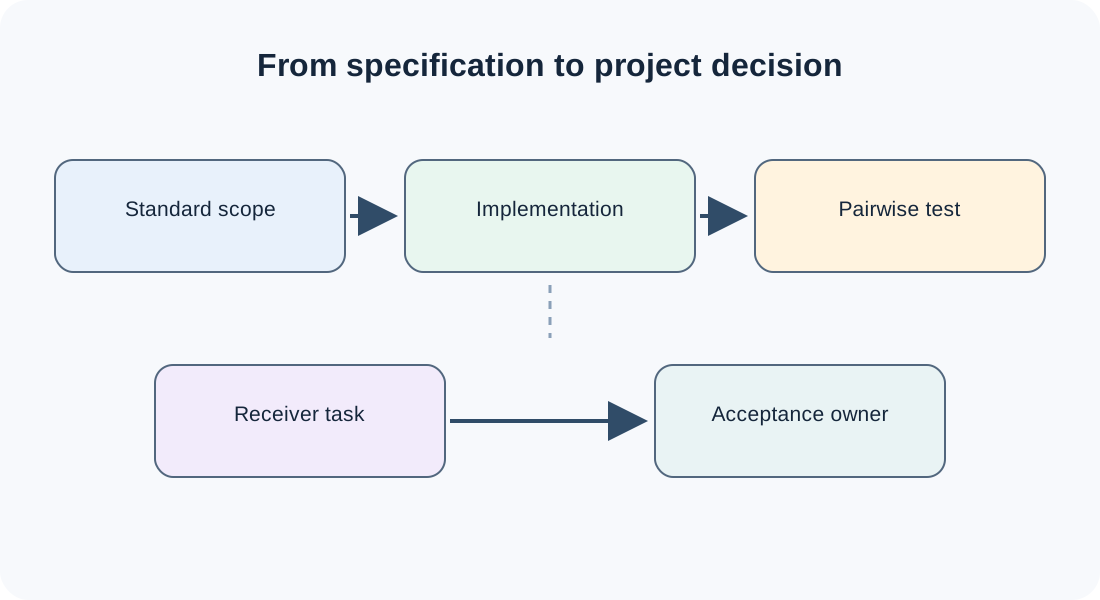
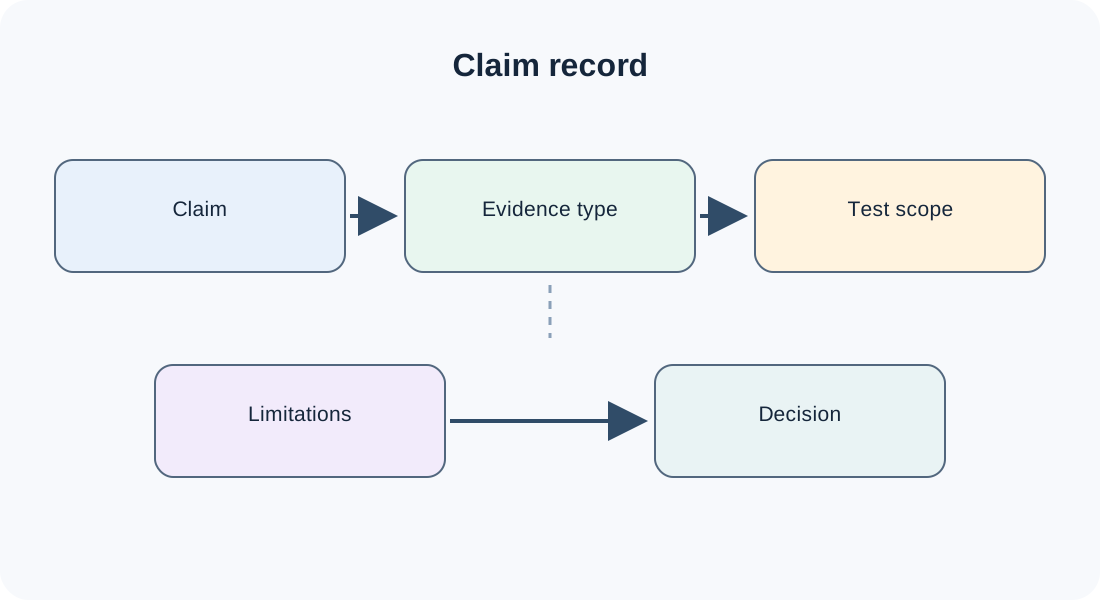
Build a claim record
For every important interoperability conclusion, record:
| Field | Example question |
|---|---|
| Source and destination | Which product, release, configuration, and direction were involved? |
| Representation | Which native format, schema, profile, translator, or reference mechanism? |
| Information layer | Geometry, structure, PMI, editability, visual data, or another named layer? |
| Evidence type | Documentation, standard, certification, pairwise test, observation, or acceptance? |
| Test scope | Which sample, model state, entity set, operation, and comparison? |
| Limitations | What was not tested or is explicitly uncertain? |
| Decision | Is the result usable for the stated purpose, and who accepted it? |
This record prevents a broad claim from hiding inside a short support label. Define a CAD Data Handoff Before You Export supplies the inputs; Write an Interoperability Brief That Leads to Testable Acceptance turns them into a reusable request.
Key points
- Support, conformance, preservation, editability, and fitness for purpose are different claims.
- The authority of a source does not expand the scope of what it tested or documented.
- “Opens successfully” describes an event; acceptance describes a task and its evidence.
- Always name release, direction, representation, information layer, test scope, and limitations.
- If the evidence does not specify a behavior, keep it unknown until the route is checked.