An importable PCB file does not automatically contain the layers, nets, components, and properties an analysis task needs. Start with the receiving application and intended analysis, then check its documented import route and mapping requirements. The same file family can expose different controls in different receivers.
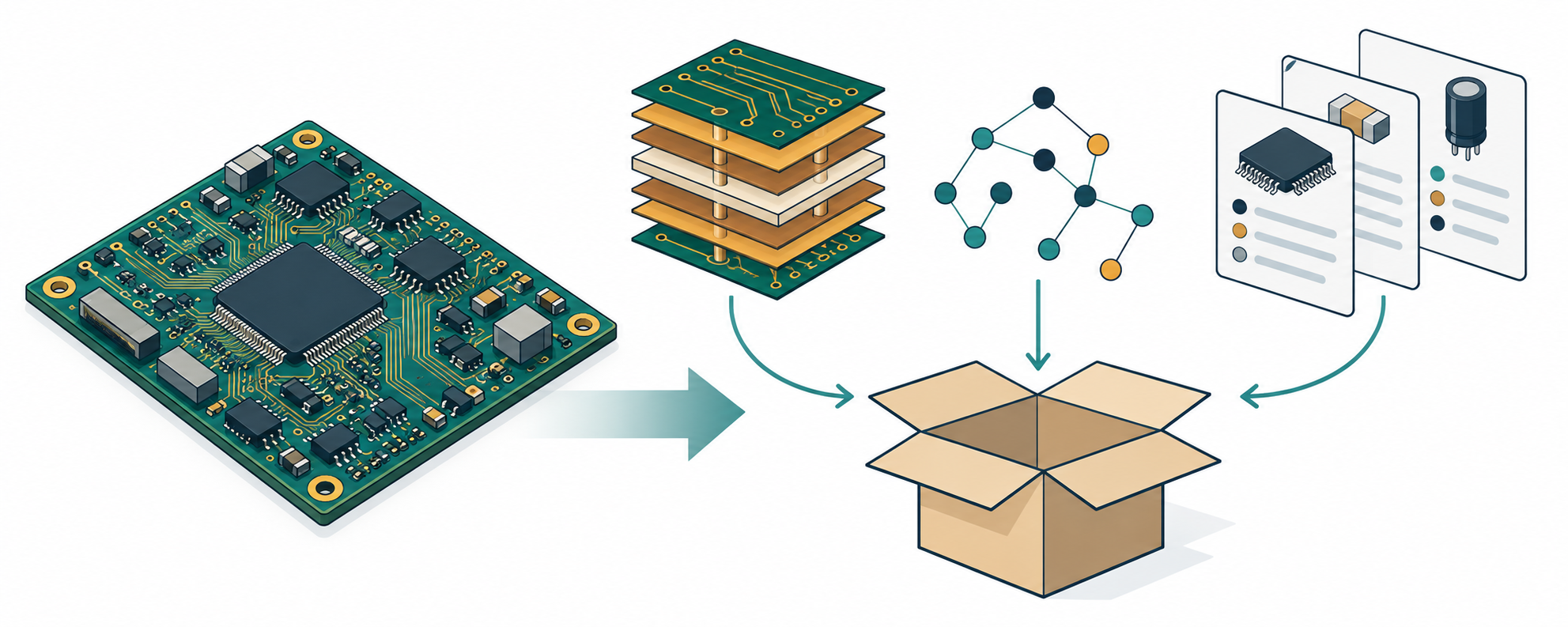
Match the handoff to the receiver
| Receiver and documented scope | Questions to settle before export or import |
|---|---|
| SIwave Help v261 lists IPC-2581, ODB++, Ansys EDB, DXF, GDSII, and other input families. The documentation says the list includes supported types, not that the formats carry equivalent PCB data. | Which input path is accepted for the intended analysis and installed SIwave release? What additional import steps apply to that type? |
| AEDT Layout Editor ODB++ import in v252 relies on optional EDA data and component-layer files to integrate manufacturing data into PCB objects such as padstacks. | Does the package include those files, defined nets, component reference designators, part numbers, poured planes, and required interior pads? Which layers, nets, stackup options, and component data will be imported? |
AEDT HFSS 3D Layout IPC-2581 import help in v252 says revisions A and B are supported. It recommends A Full and B User with all data selected. |
Which revision and mode does the installed receiver support? Which layers, nets, unassigned metal, and ports must be included for this analysis? |
Sherlock 2026 R1 IPC-2581 guidance specifies revision A FULL or revision B USERDEF; other modes may omit information needed to define a circuit card. Its guide also lists different support boundaries for particular elements. |
Which item classes, properties, and analysis inputs does this release use, transform, or leave unsupported? What should be mapped or checked after the archive scan? |
These are receiver-specific examples, not a common package contract. SIwave’s list of import families does not state that each carries the same stackup or electrical detail. A file that opens is only a start; confirm what the receiver built from it.
Inspect the data and mapping controls
For AEDT’s documented ODB++ path, optional EDA data and component-layer files can affect how manufacturing data becomes PCB-level objects. The v252 guide calls out unpoured split planes, omitted unused interior pads, undefined or anonymized nets, and components without reference designators or part numbers as common import problems. The import window allows layer and net selection. Select Dummy when the intended model must include metal that is not assigned to a named net. Control or layer-map files can supply stackup settings, but renamed layers may no longer retain their earlier mapping in AEDT; record the names used after import.
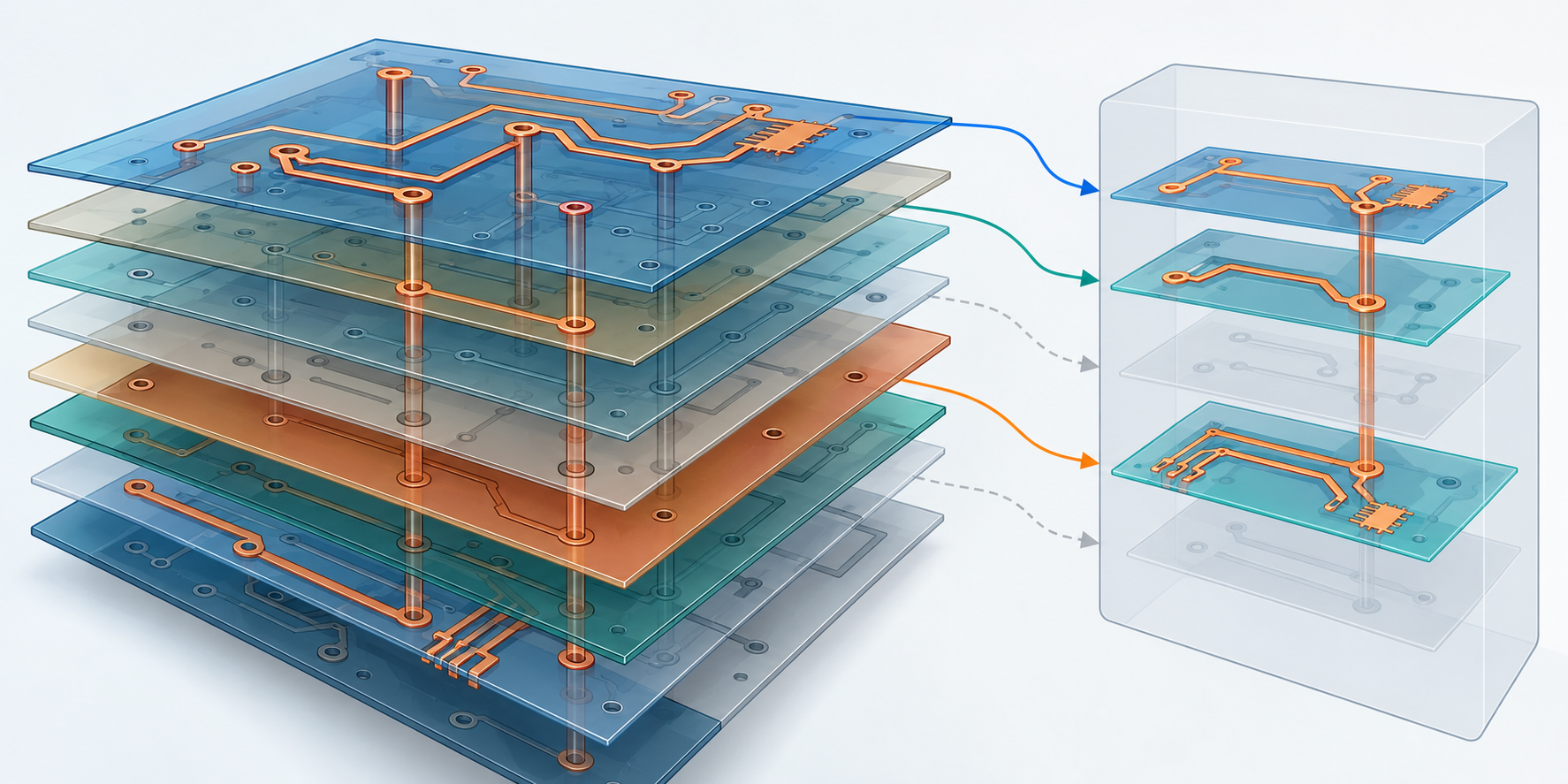
The AEDT v252 IPC-2581 page has a revision conflict within the same help topic. It says that the importer supports only revisions A and B and that its references to IPC-2581 mean A or B, but it also includes a Revision C export-mode paragraph. Treat that page as inconclusive about Revision C. Verify the installed receiver’s explicit support and do not choose C based on that paragraph alone.
Sherlock’s 2026 R1 guide recommends A FULL or B USERDEF for IPC-2581 input and describes a scan before import plus a component-property mapping step. Review the scan and decide how source properties should map to Sherlock fields. Its documented boundaries include unsupported item classes such as AVL, land patterns, and DFX Analysis; the guide also says it creates test points from component references beginning with TP, rather than IPC-2581 testPoint definitions, and discretizes most arcs into small line segments. These are selected examples from a non-exhaustive support description, not a complete conformance list.
When the selected path uses separate CSV or Excel files, Sherlock’s 2026 R1 CCA import documentation describes assigning file properties such as field columns, units, and numeric formats. Confirm coordinates, units, part identifiers, and other mappings against the receiver’s expected fields; automatic guessing or a successful import does not prove that each value was interpreted correctly.
Write an analysis-specific handoff brief
Before sending data, record:
- The intended analysis, receiving application, installed release, and documented import path.
- The source project, board revision, selected population, and export settings used to create the files.
- Required board outline, copper layers, stackup properties, nets, components, and separate files or control maps for that receiver.
- Required component or net property mappings, coordinate origin, units, board side, and any selected layers or ports.
- Known receiver limits, unresolved source fields, and checks the recipient will perform before treating the model as ready for analysis.
At receipt, inspect warnings and import summaries, compare the resulting outline and layer order with the intended board, reconcile required nets and component identities, and review mapped fields and transformed geometry. Use a representative pilot when the consequences of a mapping choice are material. Keep format validation, import completion, model suitability, and the analysis result as separate checks.
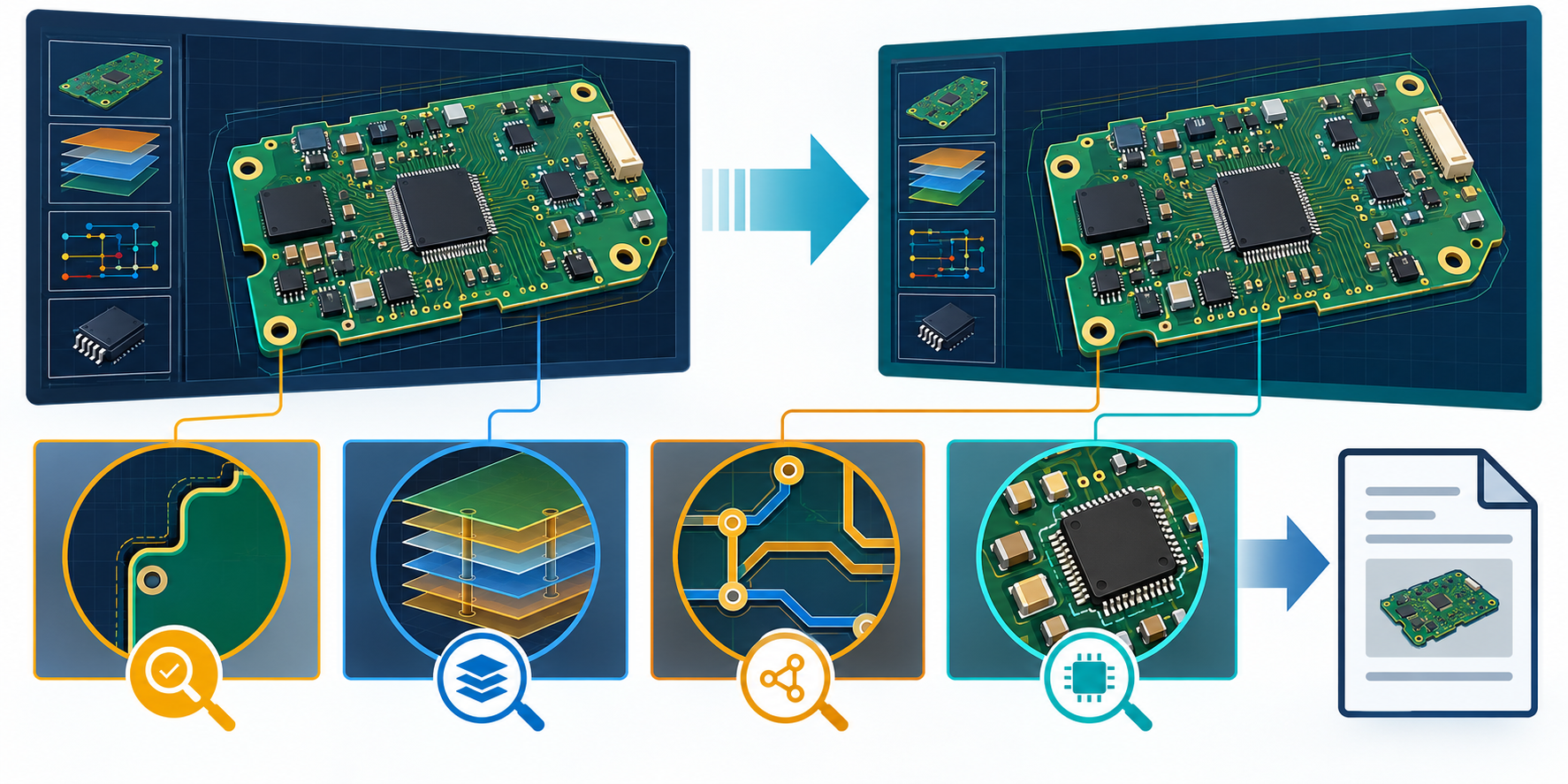
There is no universal PCB analysis package in these examples, and the documentation does not establish that a particular design will import correctly or produce a valid result. Confirm requirements with the actual analysis recipient. For general electrical identity and stackup questions, see electrical identity and connectivity; for a fabricator or assembler, see the PCB fabrication and assembly package guide.