Inspection traceability depends on correspondence: does this nominal, plan, execution, or result refer to the intended design item and characteristic? Matching labels can help, but identity is not established by a part number or characteristic name alone. Check the relationship among the design definition, the measured feature, the plan, the physical item, and the recorded execution.
Separate the identities that can be confused
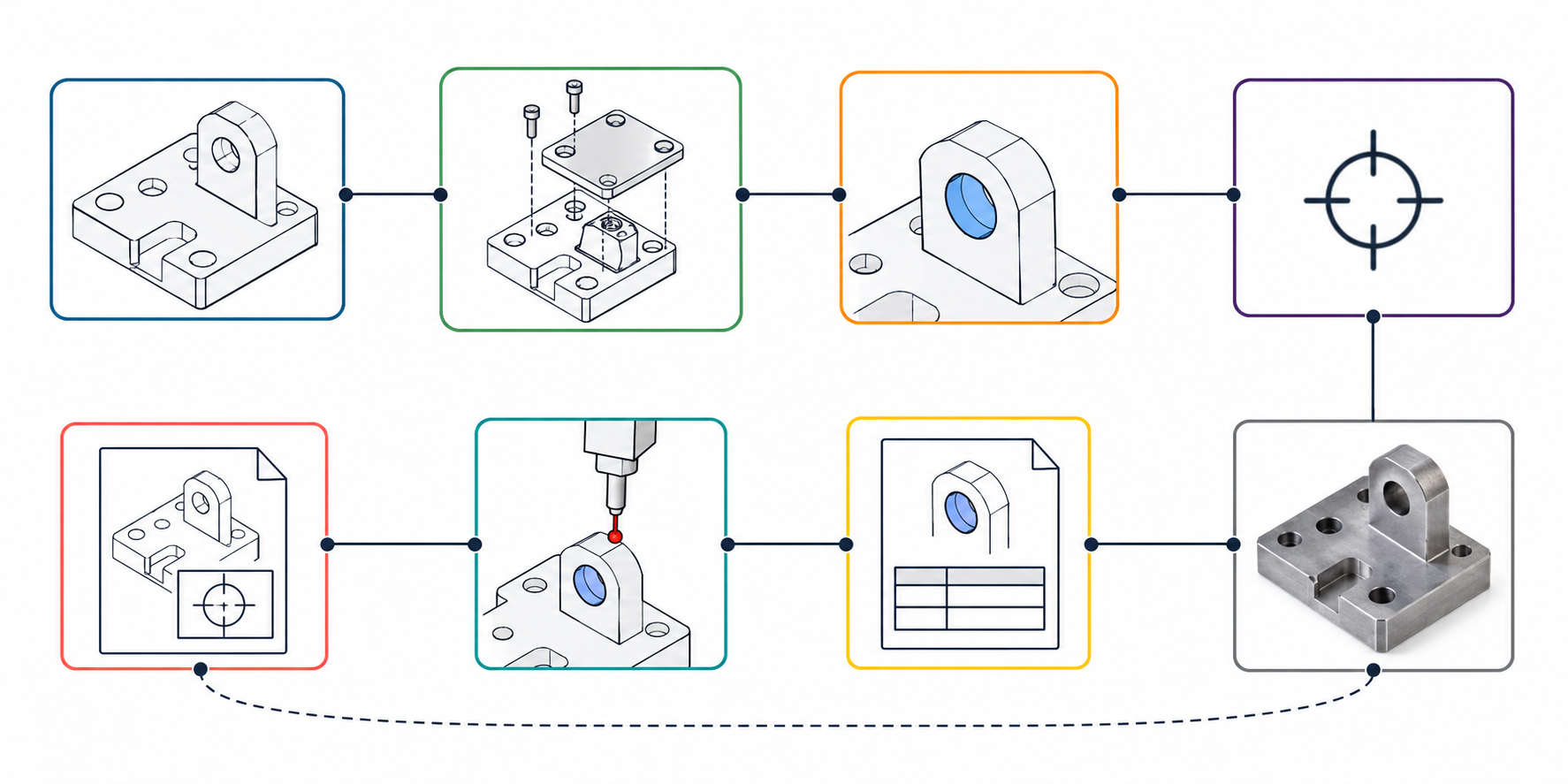
| Object | Identity to record | Common ambiguity |
|---|---|---|
| Part or assembly occurrence | Part number, revision, configuration, and occurrence/path | A component may appear more than once or under a different assembly state. |
| Geometric entity | Source entity, persistent identifier, or documented mapping | A recreated face or edge may look similar while having a different identity. |
| Characteristic | Human-readable tag plus a persistent identifier where available | A reused tag may refer to a changed requirement or a different feature. |
| Nominal and measurement plan | Characteristic link, plan identity, plan revision, and selected nominal | A plan may retain a copied value after the source model changes. |
| Execution and result | Run/execution ID, result-set identity, timestamp or sequence, and source plan | Multiple runs or result sets can exist for one plan or part. |
| Physical item | Serial, lot, build, or other item identity required by the task | A correct model/result link may still point to the wrong physical unit. |
DMSC’s Model-Based Characteristics 1.0 is one bounded identity pattern: it pairs a readable characteristic tag with a machine-readable UUID and allows optional associations to criticality, product requirements, or verification plans. Such identifiers are useful only when the sender, receiver, and process retain their meaning and associations. Their presence does not prove a particular route.
A bounded STEP AP242 and QIF example
The CAx-IF/DMSC Cross-Domain Exchange Release 1.0 describes a feed-forward metrology practice using STEP AP242 Edition 4 and persistent identifiers with QIF 3.0 measurement plans, results, and statistics. It is useful for framing the association questions between product definition and downstream metrology. The practice is scoped to that exchange direction and metrology use; it excludes manufacturing process-plan mapping and design feedback, and does not establish QIF 4.0 support or a product route. Treat it as a recommended-practice example, not a compatibility guarantee.
Check the exact STEP edition, QIF version, protocol/profile, assembly level, and identifier source for the actual sender and receiver. A product statement that it exports AP242 does not identify which edition or practice it implements. For instance, PTC’s Creo Parametric 12.4 release note describes AP242 Edition 3 export, which does not establish support for the Edition 4 practice described above.
Resolve sender and assembly scope before comparing
Autodesk Inventor 2026’s public documentation contains an unresolved assembly scope conflict. Its STEP export-options reference says AP242 is not available for assemblies. A separate update says semantic assembly annotations can be exported to JT/STEP at top-level and part-level; part-level annotations are invisible, and thread notes and 3D welding annotations are not semantic. The pages do not reconcile the format and setting conditions. For a specific assembly, verify the export path, selected protocol, annotation level, and actual file before relying on the intended correspondence.
Build a correspondence worksheet
Use one row per link the inspection depends on, rather than checking only whether a tag or UUID appears in both files.
| Source object | Intended target | Identifier or mapping | State | Evidence/check |
|---|---|---|---|---|
| Part/configuration/revision | Nominal model and physical item | Part, occurrence, revision, serial/lot/build | present / missing / ambiguous | Confirm the authoritative design state and item received. |
| Design entity | Characteristic/nominal | Persistent ID, tag, or explicit correspondence | preserved / recreated / ambiguous | Compare entity meaning and geometry association. |
| Characteristic | Plan requirement | Characteristic ID and plan revision | present / missing / stale | Confirm that the plan points to the active requirement. |
| Planned nominal | Execution/result value | Plan, run, result-set, and execution IDs | linked / ambiguous / missing | Distinguish the intended result set from other runs. |
| Result | Physical item and report | Serial/lot/build and execution record | linked / unknown | Check which actual item was measured and which report was returned. |
Mark an association missing if no link is present, ambiguous if more than one target is plausible, and recreated if a recipient generated a new entity or plan element. A matching label is not enough to claim continuity after design changes, plan supersession, or entity recreation. Resolve the mapping with the owner of the authoritative design or plan before using the result for a quality decision.
For the full PMI, plan, resource, and result chain, see Inspection-Ready Digital Handoffs. For additive monitoring and post-build records, see Additive Monitoring and Inspection Data.