Repair is an intervention, not a time machine. It may make an imported shape usable for one operation while changing boundaries, tolerances, internal structures, or the shape itself. Keep the original, record what changed, and validate the repaired result against the purpose.
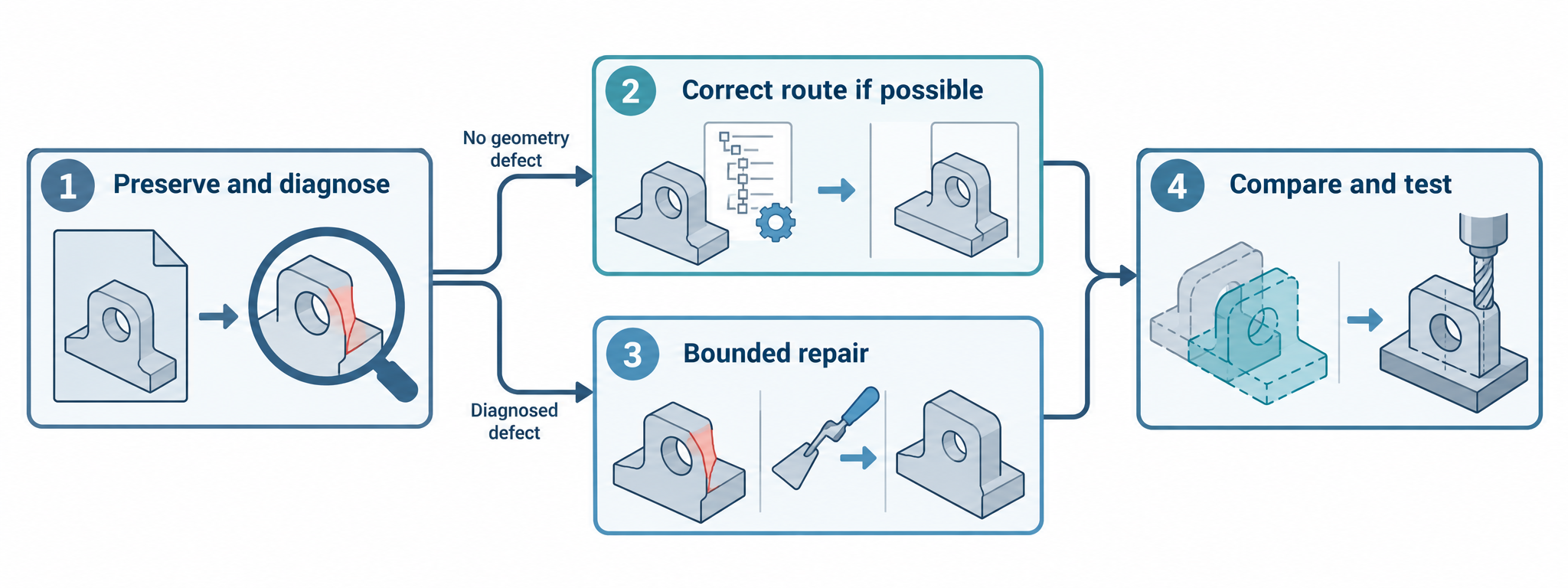
A mesh that is already usable but too large presents a delivery constraint, not a defect to repair. Use mesh reduction and remeshing for that separate decision; keep repair focused on a diagnosed health or operation failure.
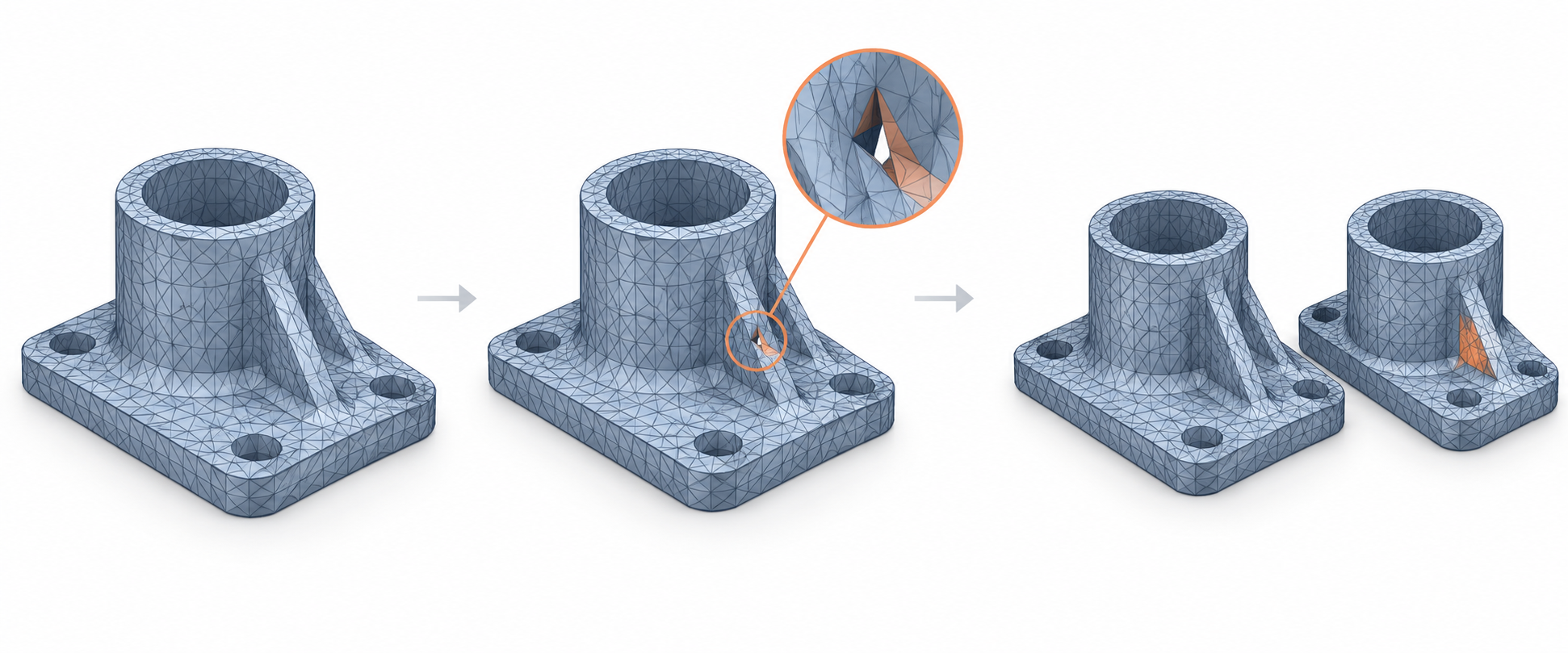
Preserve the baseline
Before changing anything:
- keep the original source package and imported result;
- record source and receiver versions, representation, units, and import options;
- save diagnostic output and a visual or geometric baseline;
- state the downstream operation that currently fails;
- decide which properties cannot change, such as a critical interface, measured surface, or required mesh closure.
If the original is overwritten, you lose the comparison needed to judge whether a repair improved the handoff or merely produced a different object.
Separate four kinds of operation
Current Open CASCADE documentation provides a useful vocabulary:
| Operation | Effect described by the documentation | What to verify |
|---|---|---|
| Analysis | Computes properties and detects violations without modifying the shape | Whether the reported condition explains the failed operation |
| Fixing | Corrects shapes to meet kernel requirements; may modify, remove, or create sub-shapes | Which geometry and topology changed, and whether the change is acceptable |
| Upgrade | Replaces a shape to fit particular algorithms while the documentation describes the geometry as the same | That the receiving operation now works and the representation remains equivalent for the purpose |
| Customization | Changes the internal mathematical representation without modifying the shape | Whether the receiver and later operations interpret the representation as intended |
These boundaries are OCCT-specific terminology, but the decision principle is general: distinguish inspection from mutation and record the transition.
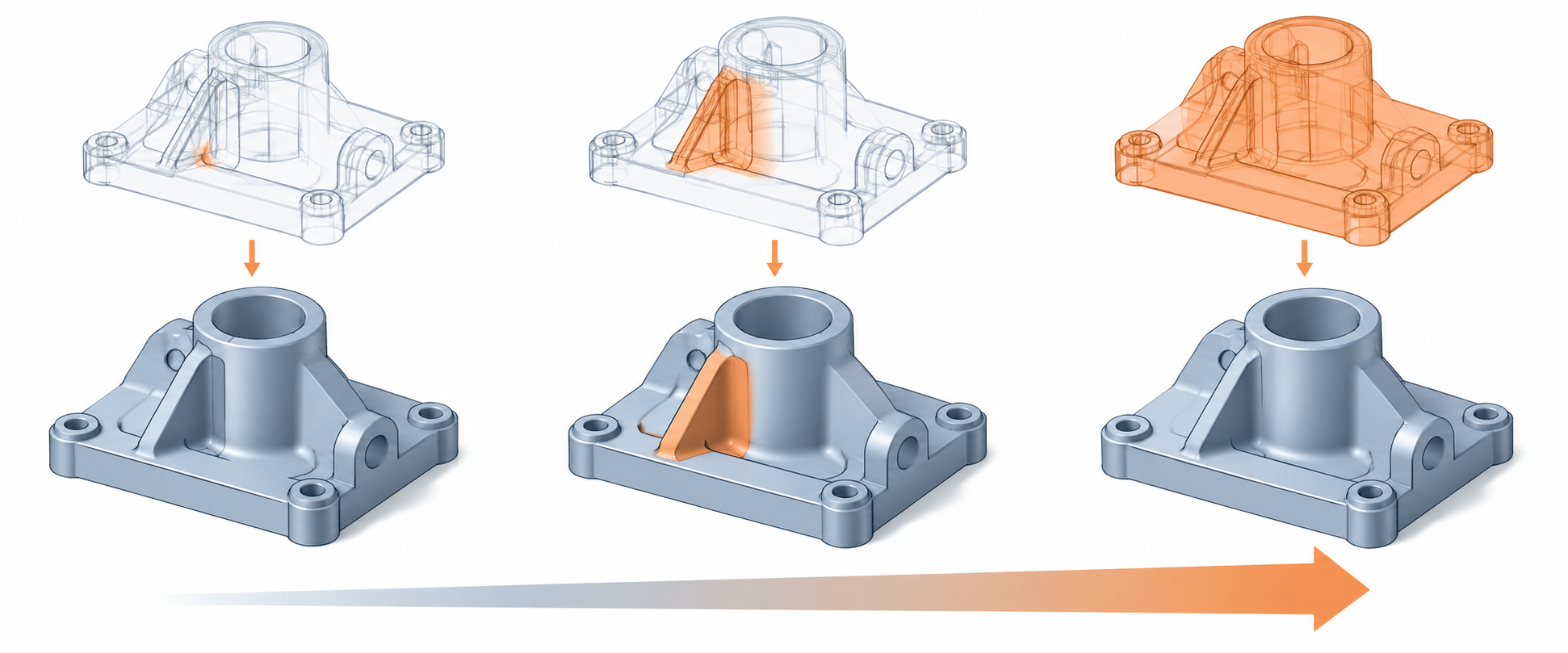
Choose the least-changing intervention that can work
First correct the route or settings if the failure is caused by representation, units, profile, or receiver interpretation. If repair is justified, start with a focused operation and compare its result.
The current evidence does not establish a universal success rate or deviation bound for any repair. The Open CASCADE overview says fixing can alter sub-shapes. Its historical 6.7.0 Shape Healing guide describes ShapeFix_Shape with a configured precision and maximum allowed tolerance, followed by Perform() and retrieval of the result; it also describes optional wireframe actions for small edges and gaps. That sequence is historical and must not be presented as current OCCT defaults or a current API guarantee.
The current OCCT tolerance reference can inspect stored tolerances across vertices, edges, faces, shells, or all shapes, and can find values within a range or over a threshold. This helps characterize a problem before repair. It does not choose the correct threshold for a different kernel or downstream task.
CGAL’s mesh reader illustrates why preprocessing belongs in the change record. Its read_polygon_mesh entry point reads a file as a polygon soup, repairs and orients it by default, and returns whether those operations succeeded. The user-manual example then checks and converts the soup before assessing volume orientation. That sequence is CGAL-specific and model-dependent; a successful read does not establish unchanged geometry, a bounded deviation, or acceptance by another application.
For a current OCCT-specific diagnostic, BRepCheck_Analyzer::IsValid() reports whether its implemented checks found a defect and exposes status labels for conditions such as free edges, unclosed or disconnected shapes, bad orientation, invalid triangulation polygons, and invalid tolerance values. This is a useful diagnosis boundary; it does not measure the change introduced by a subsequent repair.
Bounded receiver examples
Autodesk Fusion’s mesh-body Repair tool illustrates different intervention sizes:
- Close Holes is described as making the fewest changes while fixing flipped triangles and closing holes.
- Stitch and Remove additionally stitches triangles and removes double triangles, degenerated faces, and tiny shells.
- One Touch Fix combines common repairs and attempts to address issues such as self-intersections and non-manifold edges.
- Wrap and Rebuild make larger changes; the help page states that both destroy all inner structures.
Fusion can preview a result and report closure, orientation, positive-volume, issue-count, and threshold information. Its “accurate” Rebuild mode is a named tool mode, not a universal deviation guarantee. Regenerate and refine face groups after significant repair as the tool guidance recommends, then perform an independent comparison.
SOLIDWORKS 2025 lists Import Diagnostics operations such as Heal Gap, Repair Face, Delete Face, and Remove Gap for applicable neutral-file workflows. It documents analytic-face conversion and unit choices as import options. These options may change the received result; the page does not establish their error or suitability for a named downstream task.
Inventor 2026 separates checking during translation from checking after translation and warns that analysis can stop after the first poor-quality surface or solid. Its Heal Errors and Refit Face tools use a user-selected change or maximum-deviation limit, provide a repair preview or repaired-problem description, and allow an individual Refit attempt to be undone. Creo Parametric R13 provides a different bounded route: a body that fails solidification can be investigated in Import DataDoctor, where Solid node with open quilts points to one-sided edges and Heal > Repair is the documented intervention. These examples show why repair logs must include product, version, diagnostic, setting, and before/after evidence.
Rhino 8’s MatchMeshEdge addresses open mesh edges by trying vertex matching before edge splitting and limiting movement to the selected tolerance. The documentation warns that a high tolerance on a whole mesh can produce unexpected results and recommends larger values only for selected edges. Rhino 9’s MeshRepair panel follows the same diagnose-before-intervention principle: it displays detected conditions such as degenerate or duplicate faces, non-manifold edges, and inconsistent normals before offering selected repair actions. Some actions delete or extract faces, reverse normals, or split components. Neither command description establishes that a particular repaired mesh is valid or suitable for its receiving task.
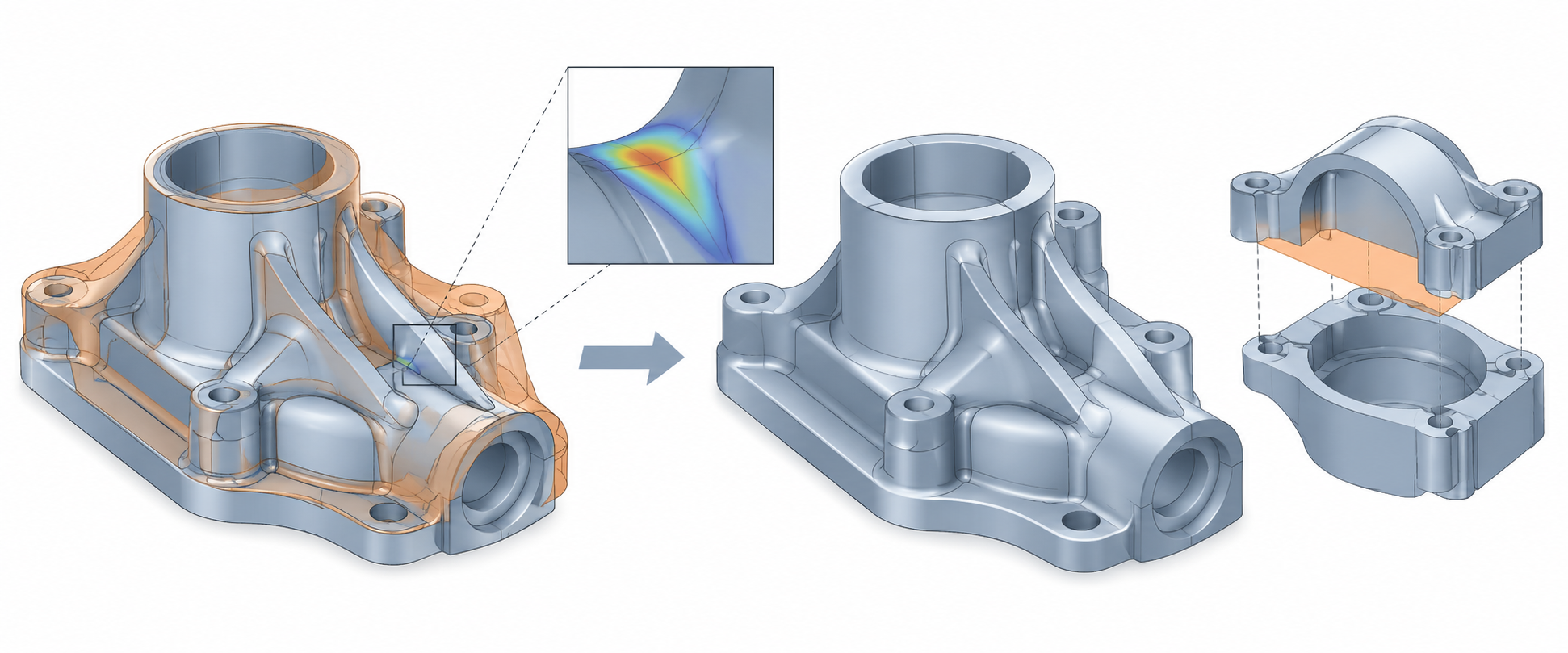
Repair decision path
- Diagnose without mutation. Identify the actual condition: gap, orientation, tolerance, degeneracy, self-intersection, unit mismatch, or receiver limitation.
- Try a better representation or setting. Re-exporting an exact representation, changing a profile, or correcting units may preserve more information than aggressive healing.
- Apply a bounded repair. Choose the smallest operation that addresses the diagnosed issue and record its options.
- Compare before and after. Check body/face/edge or mesh counts, local geometry, units, selected properties, and any structures the operation can destroy.
- Test the intended operation. A repair that makes a viewer happy may still fail a boolean, measurement, slice, or fabrication check.
- Escalate when evidence is insufficient. Request a new source representation, remodel the affected area, or narrow the intended use instead of claiming restoration.
What repair cannot prove
A healed gap does not prove that the original surface was recovered. A closed mesh does not prove dimensional accuracy. Positive volume does not prove manufacturing acceptance. A successful import or repair does not restore feature history, design intent, assembly identity, PMI, or other non-geometric information.
For physical production, inspection, or safety-sensitive use, the receiving process must supply its own qualification and acceptance checks. Geometry repair documentation alone is not process approval.
Record the intervention
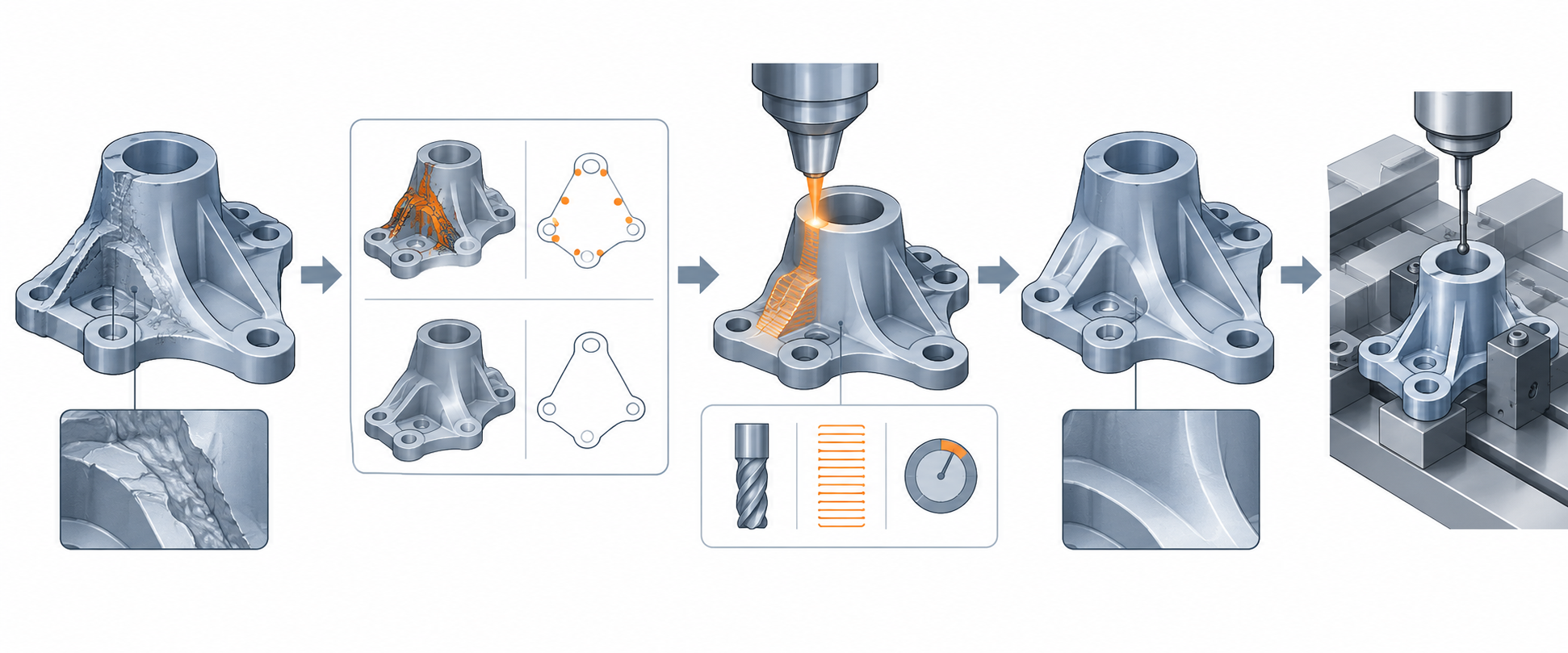
Keep a repair record with:
- original and repaired file identifiers;
- diagnostic results before repair;
- tool and version;
- operation, settings, thresholds, and preview or before/after counts;
- geometry and topology comparisons;
- downstream operation tested;
- retained, changed, and unproven information layers;
- decision to accept, re-export, remodel, or restrict use.
Use validate a geometry handoff to design the comparison, and topology and model health for the pre-repair diagnostic vocabulary.