When the deliverable is an approved view, animation, review experience, or render, cameras, lights, and motion are data—not presentation details to reconstruct later. A format may serialize them while leaving important behavior to the receiving application. Define the intended result and test it in the named receiver.
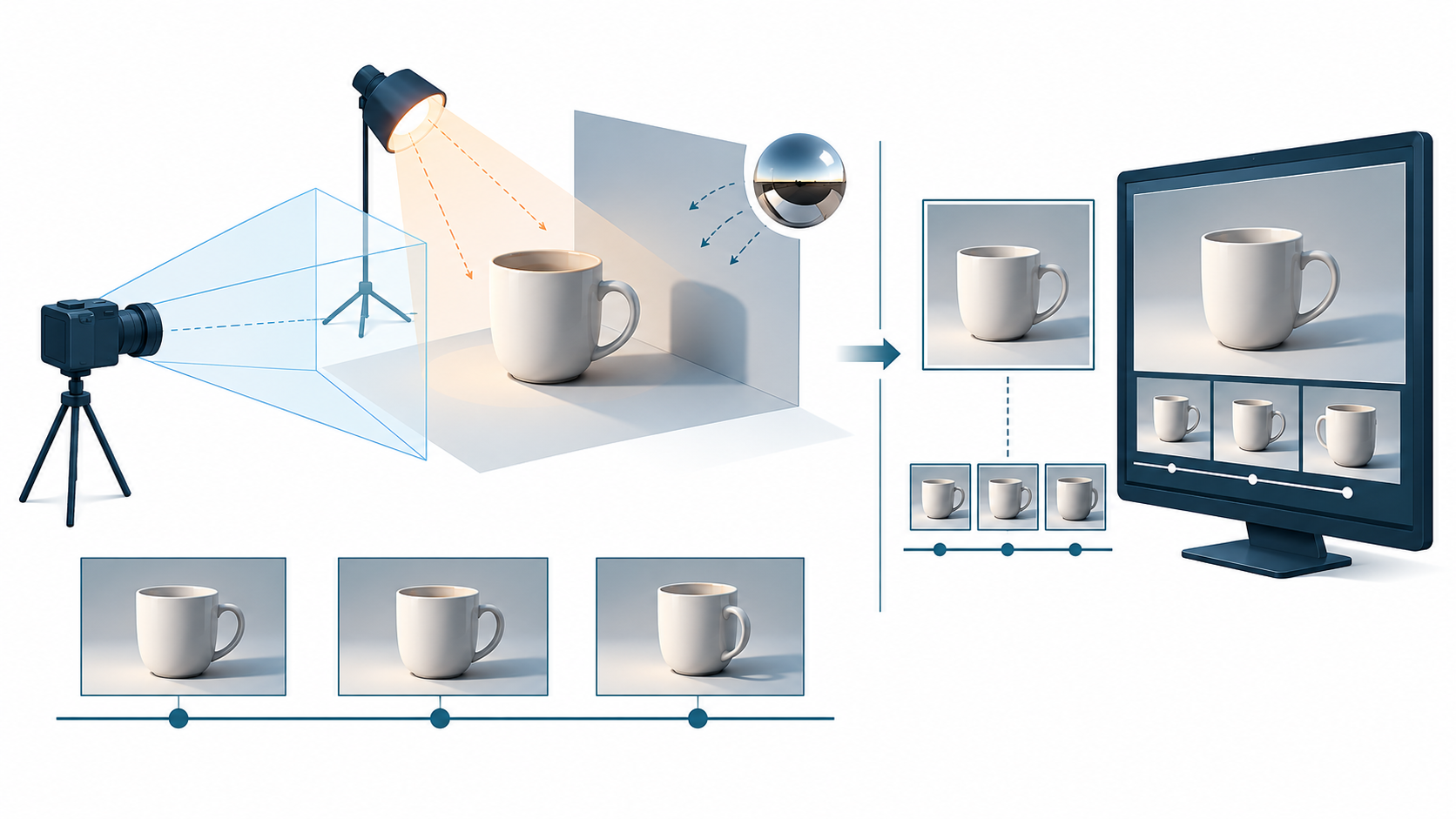
Name the result before exporting
Record the views, shots, and clips that matter:
- camera name, projection, position, orientation, clipping range, and aspect assumptions;
- light types, placement, intensity or exposure, color, shadows, and environment assumptions;
- animation clip names, target objects, frame range, sampling or interpolation expectations, and the required initial and final states; and
- receiver, renderer, viewport or runtime, version, display settings, and any interaction or playback policy.
This turns “the scene should look right” into a set of observations. It also makes permitted differences explicit. A review may accept a small lighting difference while requiring camera framing and object visibility to match; an animation handoff may require exact poses at selected frames without requiring a particular auto-play setting.
Cameras: projection and transform are separate checks
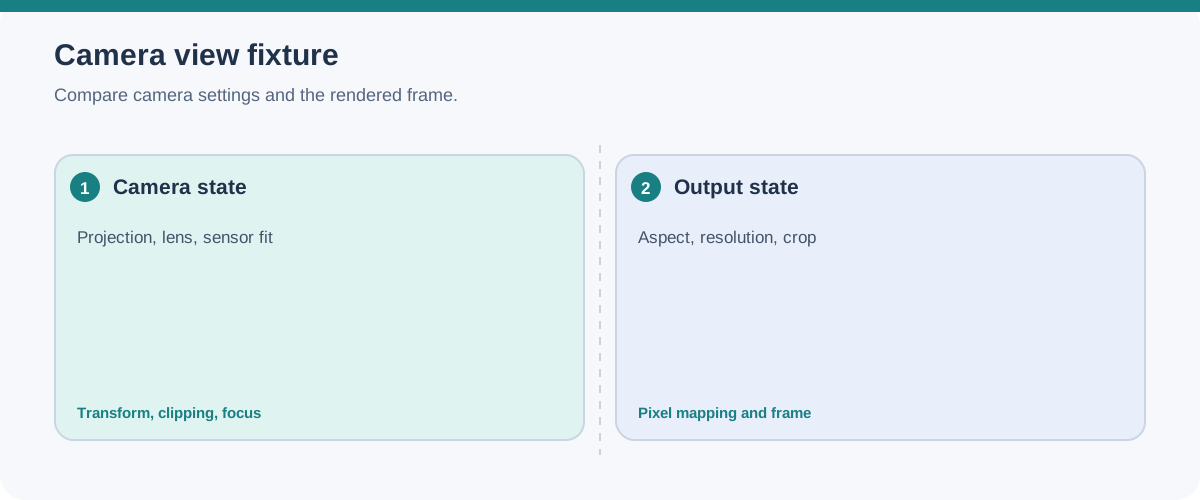
In glTF, a camera declares a perspective or orthographic projection. The camera is placed through a node, whose transform supplies the view context. Perspective settings can include field of view, aspect ratio, and clipping distances; orthographic settings describe the visible extents and clipping distances.
Compare both parts. A matching camera name or projection type does not prove matching framing if the node transform, aspect ratio, near/far clipping, viewport, or coordinate interpretation differs. Record a reference image with enough context to reveal a shifted target, changed scale, clipping, or a different crop.
USD’s UsdGeomCamera adds a similar comparison obligation with a broader serialized camera state: projection, aperture and offsets, focal length, clipping range, focus distance and f-stop, stereo role, shutter-open and shutter-close, and the inherited transform. Scene units are interpreted through the stage’s metersPerUnit, and shutter values affect motion-blur timing. Compare the fields that matter to the approved view; the schema documents camera state, not an external renderer’s framing or pixel equivalence.
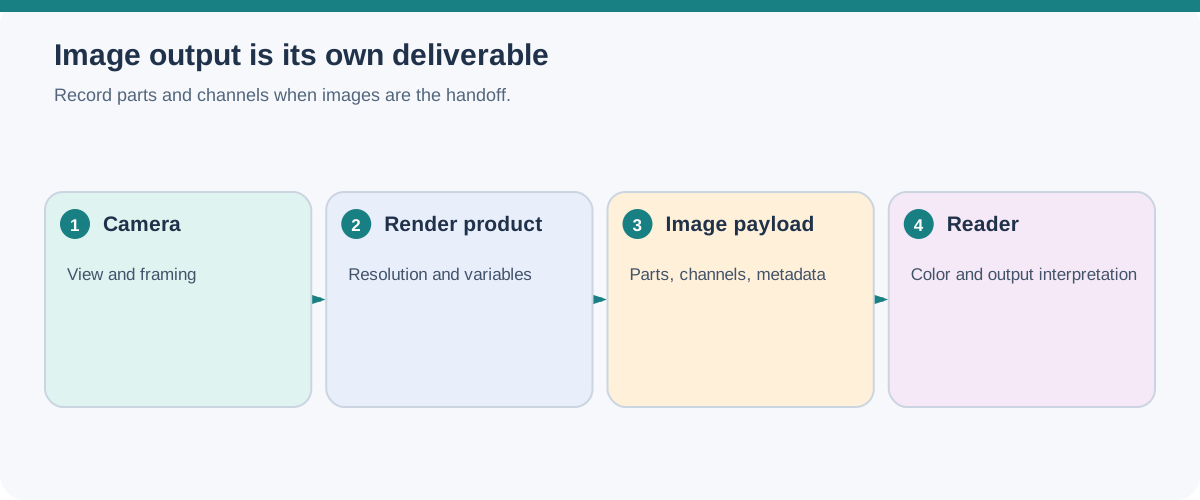
If the source uses USD render settings, record the selected settings prim and product separately from the scene camera. A render product can select a camera, output path, and ordered render variables/channels; resolution, pixel aspect, aspect-ratio policy, and the data window affect the resulting image. USD render settings may also be composed separately from geometry, so include or deliberately recreate the settings required for the handoff and verify the produced image in the named renderer.
Lights: serialized parameters are not equal illumination
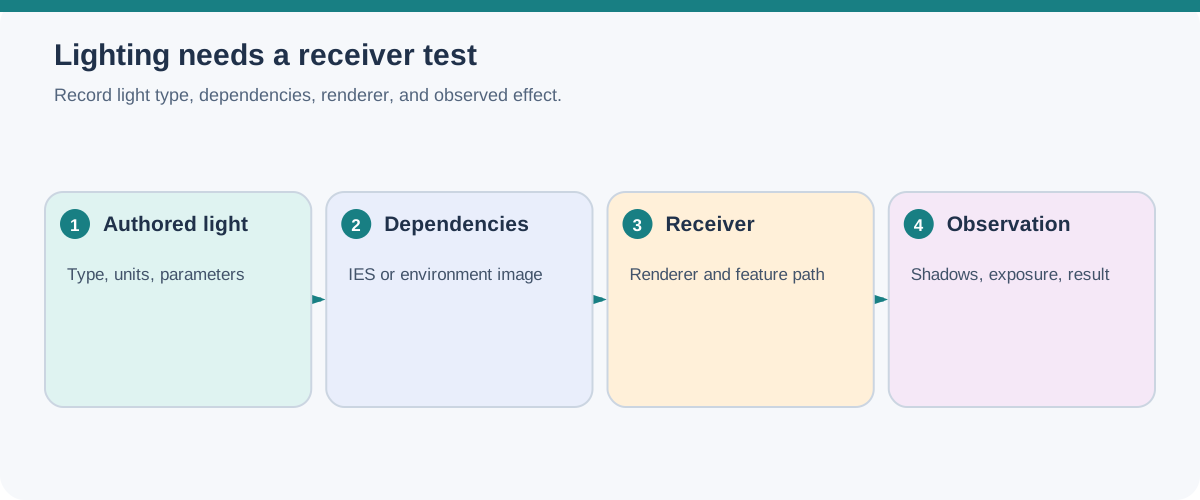
The USD Lux schema provides common light representations for interchange, including cylinder, disk, distant, dome, rectangle, and sphere lights. Common attributes include intensity, exposure, and color through RGB components or color temperature. The schema’s stated goal is best-effort portability among environments that share capabilities.
That qualification matters. Two renderers can read the same light type and parameters yet produce different illumination, shadows, exposure, or environment response. Test the light setup with the intended renderer and reference views. If the renderer or color pipeline is not named, describe the result as a capability-level expectation, not as matched lighting.
glTF’s ratified KHR_lights_punctual extension defines directional, point, and spot lights attached to nodes, so the node transform is part of the light placement and orientation. Directional intensity is expressed in lux; point and spot intensity uses candela, with spot inner and outer cone angles in radians. These are extension-level semantics. Declare the extension requirement and compare type, node transform, units, range, cone, color, and the rendered result in the destination.
Animation: storage does not define playback policy
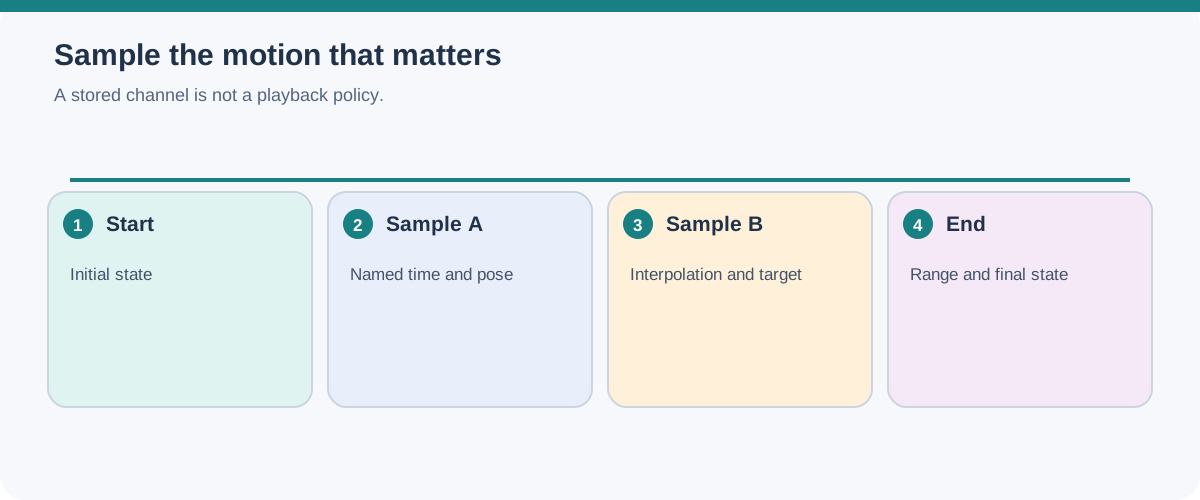
glTF stores keyframe animation in buffers referenced by animation samplers and channels. In the core model, channels target node translation, rotation, scale, or morph-target weights. Samplers pair time inputs and output values with an interpolation method.
The specification deliberately defines storage rather than runtime policy. It does not decide which animation starts automatically, whether a clip loops, how timelines are mapped, or whether the receiver pauses, plays, or ignores the animation. A receiver may also choose how to return a scene to its initial state after playback.
Therefore, validate the behavior the recipient needs instead of inferring it from the presence of keyframes. A clip can be structurally present and still require an explicit selection or playback control in the destination.
USD adds time-resolution conditions that belong in the test record. Animated attributes may use time samples or spline data; supported values can be linearly interpolated unless the stage uses held interpolation, and composition arcs can apply time scales or offsets. Value Clips distribute time-sample overrides across files. Record the stage time range, sample times, interpolation policy, clip files, and any layer offsets rather than comparing only the first and last pose.
glTF’s ratified KHR_animation_pointer extension can target mutable properties beyond core node transforms and morph weights, such as a material factor or camera field of view, through JSON Pointers. Pointer targets have type and uniqueness constraints, and integer or boolean targets require compatible data and STEP interpolation. A receiver still needs explicit extension support and a playback/render test.
Choose authored motion or an evaluated cache
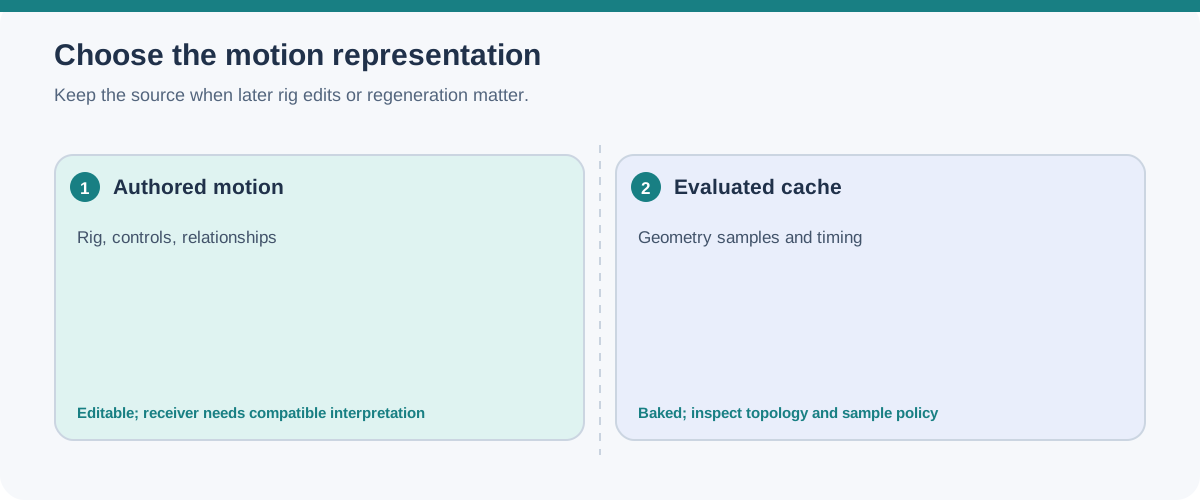
When the required motion is delivered as evaluated geometry, record the actual cache-file sequence, frame/time range, sample locations, topology expectations, and whether transforms or mesh points carry the change. Also record visibility/modifier evaluation and any face-set or material-name data the receiver needs. Blender’s Alembic workflow is one bounded example: it can bake rig-driven mesh motion into a cache, while the cache should not be assumed to reconstruct its producing rig. Compare representative samples in the receiver, including topology changes if they matter.
An animated USD volume has its own dependency chain: the Volume’s named field relationship, the field prim’s grid name, and the external file path at each required time. The OpenUSD documentation shows time-sampled file paths to distinct field files and states that $F-style pattern substitution is not supported for that attribute. Record the concrete files and sample times, then test the required shader and receiver playback.
Exporter support is separate from format capability
The format’s possible data and a particular exporter’s implemented set are different scopes. Blender 5.2’s glTF exporter documents animation of object transforms, pose bones, and shape keys, while its add-on does not export animated physics, lights, or materials. If one of those is required, name a different path or bake/represent the result another way, then test the delivered behavior; do not infer support from glTF’s broader capabilities.
Reproduce the view and display conditions
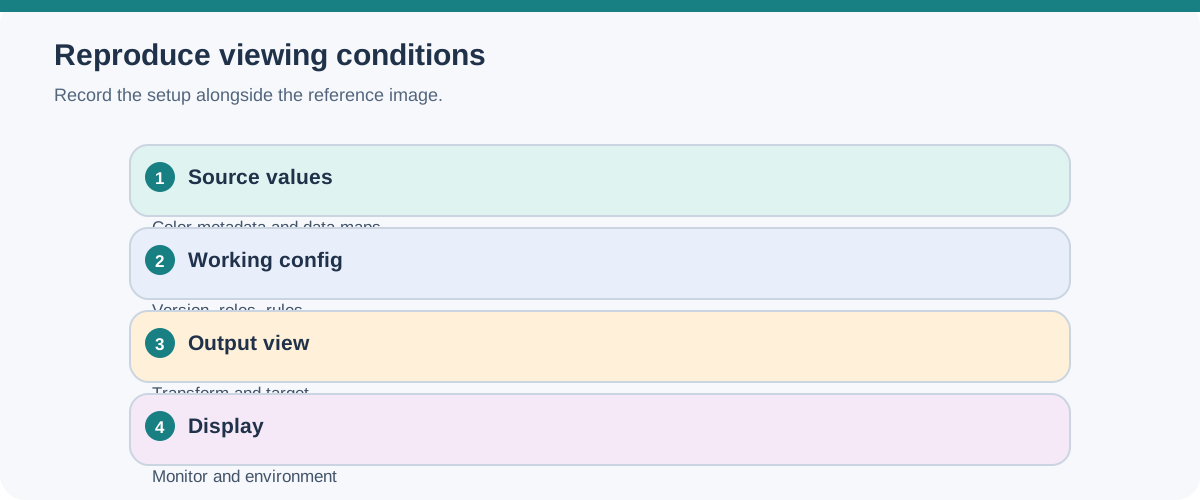
For a Blender camera, record lens and sensor fit as well as its transform and frame. Focus distance, a focus object, and f-stop affect depth of field, so match these when blur or focus is part of the approved image. Also record output resolution and aspect ratio, the view/display transform, display emulation, gamut/HDR settings, and the target monitor. Blender’s color-management documentation notes that the selected target display and the physical monitor can affect the output seen by the operator. A matching camera record or exported light values do not prove matching pixels across displays or renderers.
Deformation and visibility can change the viewing result
For a skinned or skeletal scene, compare the skeleton topology and joint ordering, geometry bindings, influence indices and weights, bind transforms, animation samples, and transform spaces. USD UsdSkel separates those concerns into Skeleton, Skel Animation, bindings, and joint influences; its compact encoding has documented scalability trade-offs. A serialized rig is not proof that the destination evaluates the same poses.
The ratified glTF KHR_node_visibility extension adds a node-level visible property whose false value hides descendant visual features recursively, including attached lights. It does not hide cameras or interaction features, and animated visibility depends on extension/property support. Test parent and child visibility, attached visual features, required cameras, and named animation states in the receiver.
Use a viewing-result test
Create a small, repeatable fixture:
- Name the approved cameras, record projection/transform fields that matter, and capture reference frames at the agreed resolution and aspect ratio.
- Include a light-sensitive surface, a shadow or occlusion cue, and any transparent or emissive material that matters to the review.
- Name each animation clip or property target, its frame range, selected target, initial state, interpolation/time conditions, and comparison frames.
- Open the delivery in the stated receiver and record the receiver version, renderer or runtime, load state, and playback action used.
- Compare framing, visible objects and hierarchy visibility, transforms/deformation, surface appearance, lighting cues, and selected animation frames or property states.
- Record differences as observations tied to the named conditions. Do not turn one receiver result into a promise about every renderer or runtime.
If a camera, light, or clip is optional, label it optional in the handoff brief. If it is required, make its acceptance test explicit. Then use Package and Test a Visual Scene Handoff to ensure the scene and its resources reach the receiver together.