A visual handoff is successful when the receiving workflow can produce the intended result from the delivered scene. A mesh that opens, or a screenshot that looks similar, does not establish that the scene relationships, appearance resources, views, or motion survived.
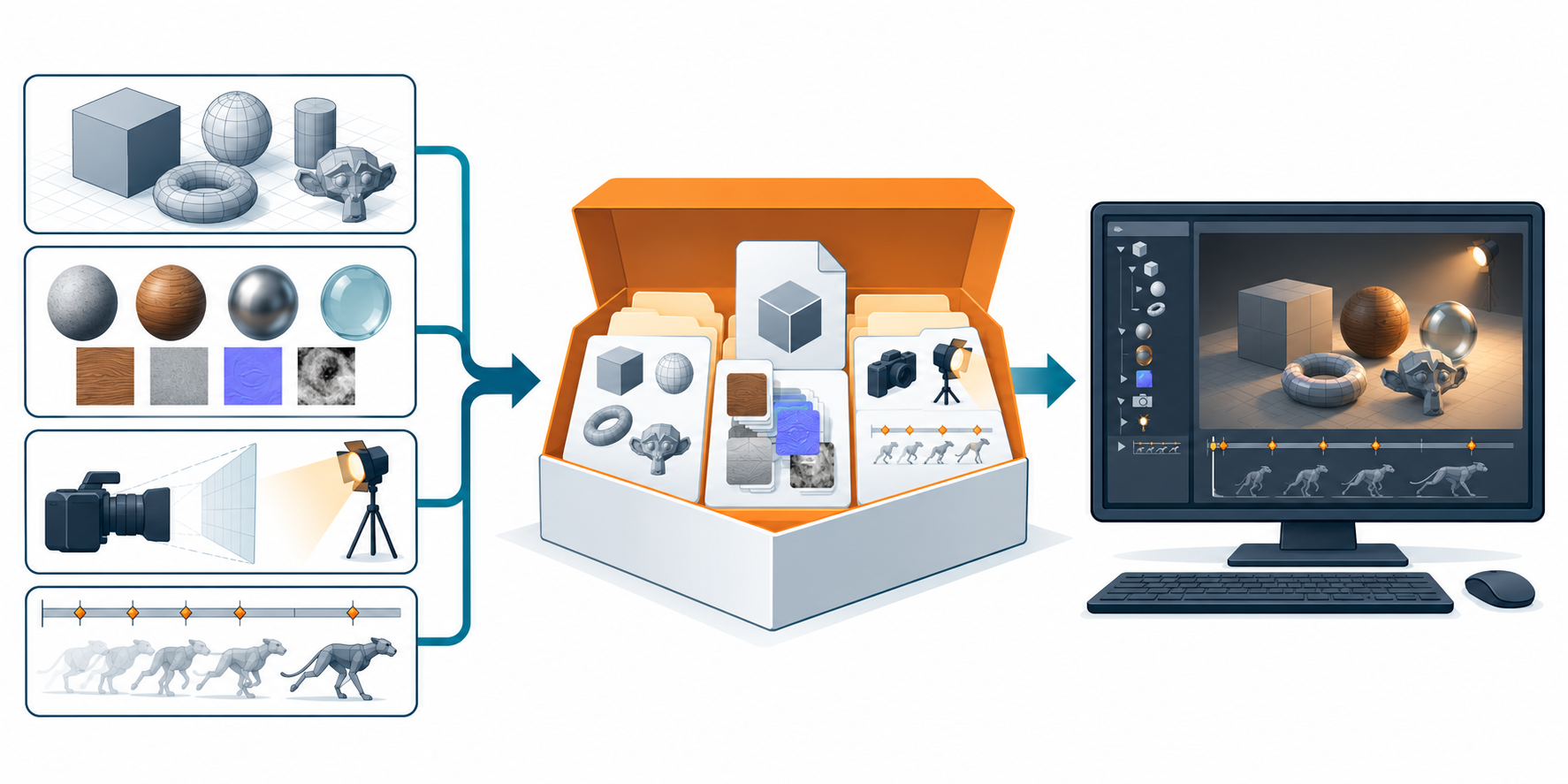
Start with the viewing or delivery objective
State what the receiver must do:
- review a fixed design view;
- render still images or an animation;
- assemble a larger scene from reusable assets;
- display an asset in a real-time or XR runtime; or
- continue visual work without rebuilding the scene manually.
The objective determines which information is essential. A real-time asset may not need the source application’s construction history. An approved render may depend critically on camera projection, texture color interpretation, light setup, and the exact frame range. A scene-assembly workflow may care more about namespaces, instances, references, and variants than about one baked image.
Inventory the visual information layers
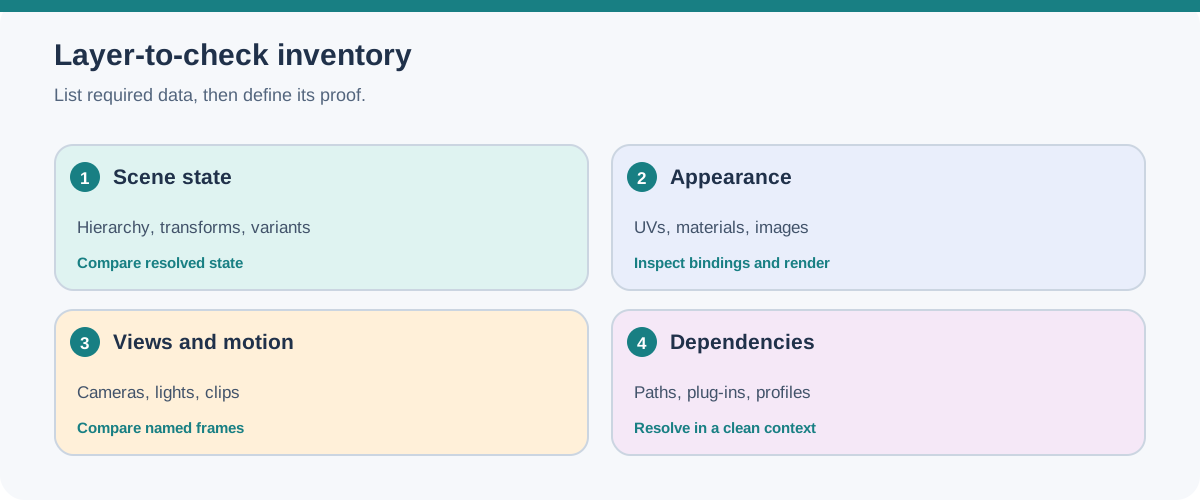
Treat “the model” as a set of relationships rather than a single object. Mark each row as required, acceptable to bake, or out of scope before selecting a representation.
| Information layer | Questions for the handoff | Evidence of preservation |
|---|---|---|
| Scene graph and transforms | Are names, parent-child relationships, instances, pivots, transform-operation order, inherited-stack behavior, and animated transforms needed? | Compare hierarchy, object identity, instance count, operation order where relevant, and representative transforms at named times. |
| Geometry and UVs | Which shape, tessellation, normals, and texture-coordinate sets or UV transforms are required? | Inspect dimensions, orientation, surface appearance, UV assignment, and transformed coordinates on representative assets. |
| Materials and textures | Which material bindings, maps, samplers, shader networks, and image files must resolve? | Check bindings, resource paths, UV use, representative surfaces, and renderer output. |
| Cameras and lights | Which projection, framing, clipping, light types, and illumination assumptions define the result? | Recreate named views and compare framing, exposure, shadows, and other agreed criteria. |
| Animation | Which clips, targets, keyframes, interpolation, timing, deformation, visibility, and playback states matter? | Compare selected frames or poses, including any extension-driven property or hierarchy changes, in the receiver. |
| Variants and composition | Which variant selections, layers, references, payloads, and overrides must remain available? | Record selected variants, resolved dependencies, load state, and the resulting scene. |
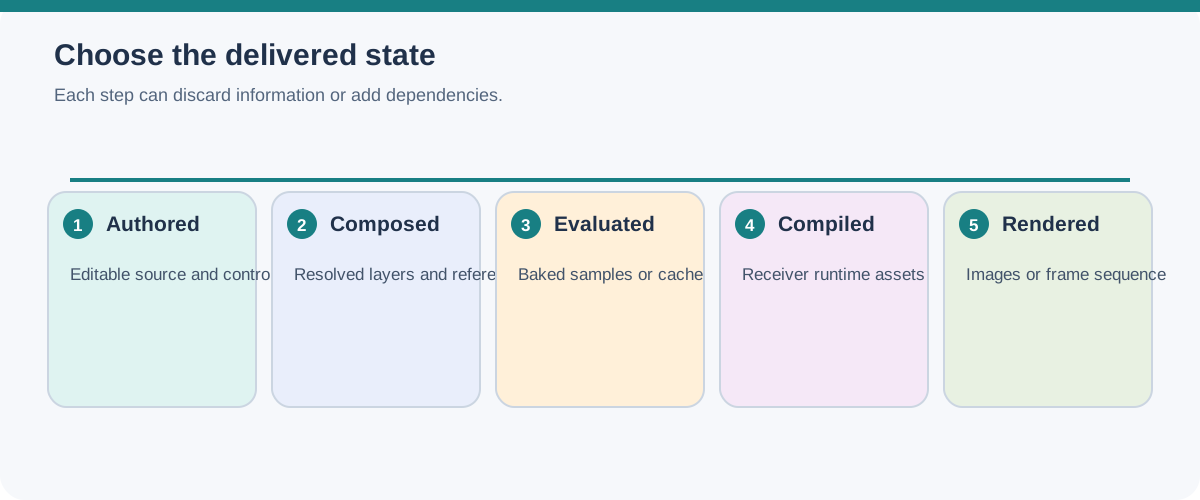
| Evaluation and delivery state | Is the handoff the authored source, a composed scene, an evaluated or baked result, compiled runtime data, or a rendered image? Which render/viewport mode, cache state, and hierarchy policy produced it? | Record the source state and export/evaluation settings, then inspect the delivered state in the intended receiver. |
| Optional volume or point payloads | If volumetric effects or point-based visuals matter, which fields, schema, shader links, time samples, and external assets are required? | Resolve the named dependencies and compare the field/point representation at required times in the receiver. |
| Delivery dependencies | Which buffers, images, layers, packages, or resolver settings are required? | Resolve the package in a clean destination context and compare it with the manifest. |
The glTF 2.0 specification illustrates why this inventory matters. It can describe a full runtime scene with node hierarchy, meshes, materials, cameras, and animations. It also permits binary and image resources to be external, embedded as data, or held in a GLB container. glTF is intentionally not an authoring format: a valid runtime asset does not preserve the source application’s feature history or other 3D authoring information.
Some details are easy to lose behind a high-level “transforms” or “UVs” label. USD transformable prims carry an ordered transform-operation stack, an option to reset inherited transforms, and time-varying operation samples. In glTF, KHR_texture_transform can add UV offset, rotation, scale, or a texture-coordinate-set override. If any of those details affects the approved result, name it in the inventory and make extension support part of the receiver check.
Point-based visual payloads need equally specific receiver conditions. Autodesk documents that 3ds Max 2027 imports PLY and SPZ Gaussian-splat data without source orientation or units, so confirm alignment and scale from the producing workflow. VRED 2027 documents PLY import as PointCloud scene nodes and identifies Vulkan with GPU ray tracing as its main splat-rendering path; its OpenGL and CPU ray-tracing alternatives are limited, and traditional lights or HDR domes do not relight splats. These are version-specific importer and renderer conditions, not evidence of correct alignment, appearance, or a tested transfer.
USD illustrates a different concern. A stage can compose layers, references, payloads, variants, and overrides into a resolved scene. In that model, the composition relationships and asset paths are part of what the receiver needs, not incidental file details. A flat export may show the same geometry while removing relationships that the next workflow expects.
Record which scene state the export represents. In Blender’s 5.2 USD exporter, render versus viewport evaluation, relative paths, orientation and units, and the chosen Xform operation representation are separate export settings. A cached render, a viewport result, and the authored source can therefore describe different deliverables. Name the setting combination and inspect the receiver’s loaded scene rather than relying on the source application’s preview.
Likewise, an image preview, a UI hint that hides an item in an application browser, a proxy draw mode, or cached model bounds is not evidence that geometry is missing, loaded, visible to rendering, or visually correct. Use those aids to navigate; base acceptance on the intended loaded scene and render or runtime view.
Separate visual usability from engineering preservation
Write down what the handoff does not promise. Visual data can support review or rendering without preserving parametric editability, product structure, PMI, tolerances, manufacturing intent, or other engineering semantics. If any of those layers matter, keep them as explicit requirements and validate them through their own exchange path.
This boundary also prevents a common mistake: treating the ability to ingest a delivery asset as proof that the receiving application can continue authoring it in the same way. A delivery representation can be useful precisely because it has a narrower scope.
Make the handoff testable
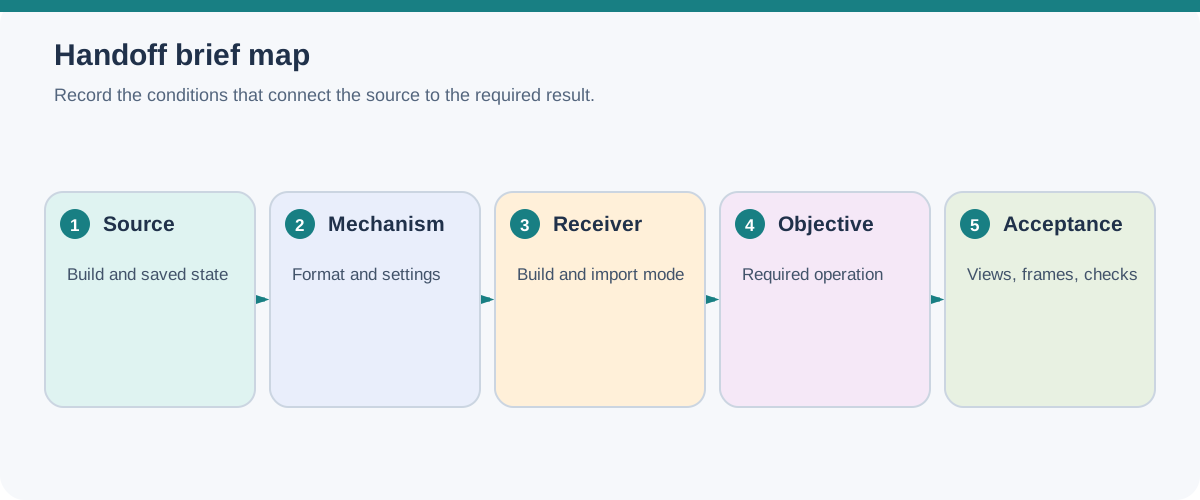
Record a brief before exporting:
Source:       application, release/build, scene state, active variant, cache state, and evaluation mode
Destination:  application or runtime, release/build, renderer, display context, and import mode
Mechanism:    native link, scene description, package, or runtime asset
Format:       format version, profile, extensions used/required, and build context
Objective:    the operation the recipient must perform
Representation: authored, composed, evaluated, baked, compiled, or rendered state being delivered
Image output: file parts/channels, if an image is the deliverable
Required:     hierarchy, transforms, geometry, UVs, appearance, views, motion, deformation, visibility, and dependencies
Optional data: field/shader relationships, time-sampled files, point payloads, or interactions when the objective requires them
Permitted loss: information that may be baked or omitted, with limits
Package:      root files, sidecars, external assets, resolver or path assumptions
Acceptance:   named views, frames, clips, checks, tolerances, and recorded receiver conditions
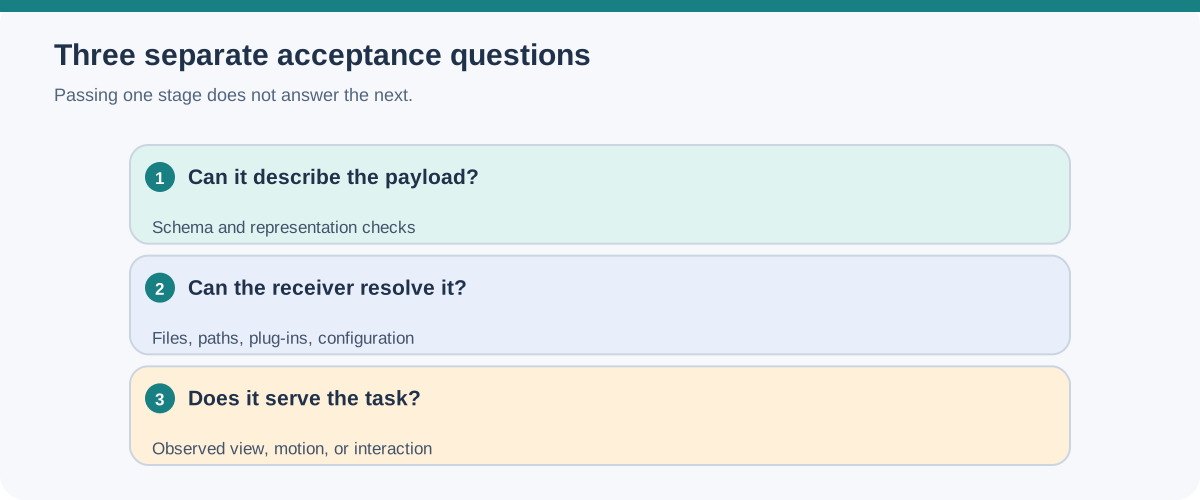
Do not replace unknowns with a file extension. If a required receiver, renderer, extension, asset path, or version is not known, keep it open and make it part of the next verification step.
For composition and receiver processing trade-offs, continue with Scene Graphs, Composition, and Variants. For appearance relationships, see Materials, Textures, UVs, and Shader Bindings, then use Package and Test a Visual Scene Handoff to verify the package boundary.